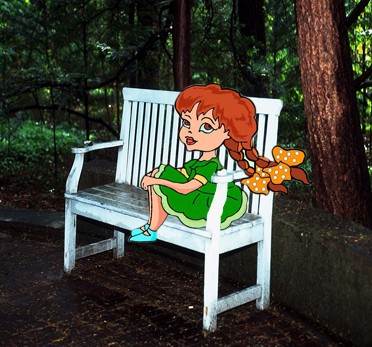
1. First, choose any new image as you like.

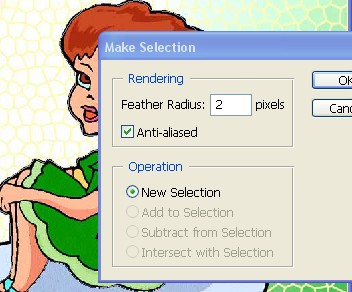
2. Now Make selection to the image help by the 'Pen tool' or 'Lasso tool' and use the settings below After that Press the Ctrl+C for copy to this image
3. Now choose second image as shown below .
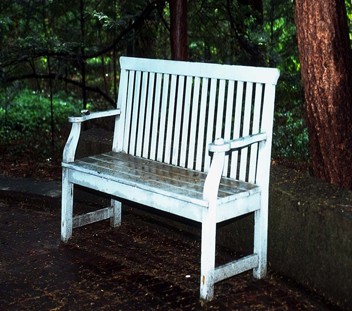
4. Press the Ctrl+V ,to for paste this image
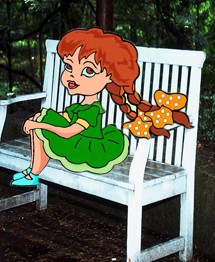
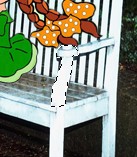
5. Now Selection to this Shape as shown below and press the Ctrl+J for copy paste to this shape
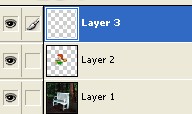
6. Your Layer window should be look like this .
7. Here set this image with the help of the Move tool.
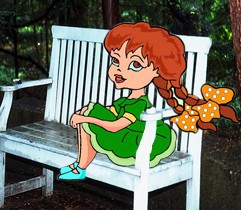
7. Now your image has been completed