Draw this #CCCFD6 color shape with pen tool :

Adjust the nodes :
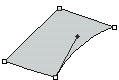
Draw another #898E94 colored shape with pen tool :
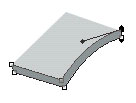
Draw this #494E52 color shape :
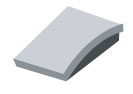
Draw another shape with similar color :
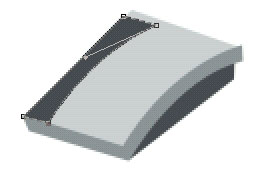
Draw this #CCCFD6 colored shape
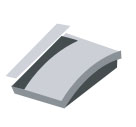
Adjust the nodes :
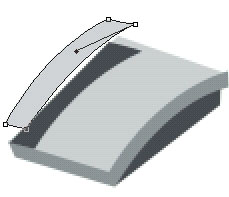
Now, draw this #8F969C colored shape :
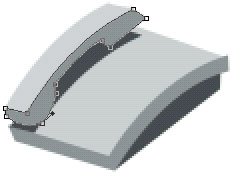
Finally draw #DADFE3 colored shape. Use 1 pixel wide line tool to draw lines below this shape to give it a embossed look :
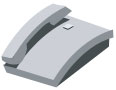
Group and merge these two layers. Duplicate and place them as shown. Our icon is ready :)

Alternatively, you can draw a paper to give it a fax machine icon look :)