Draw this shape with ellipse tool :

Draw another #B0B0A colored shape :

Apply inner shadow as shown :
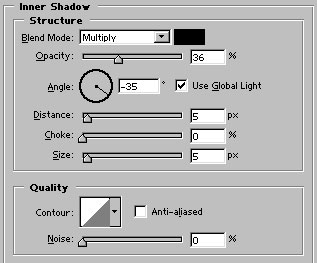

Draw a white color shape with ellipse tool. Rasterize this layer :

Control+click on its layer name in layer palette to select it. Move the selection as shown. After that press delete :

Draw this #737373 colored shape :

Apply Inner Shadow :
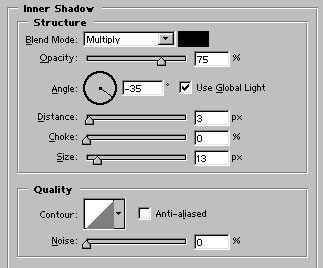

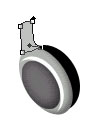
Draw this #C0C2BF colored shape with pen tool :
Apply inner shadow :
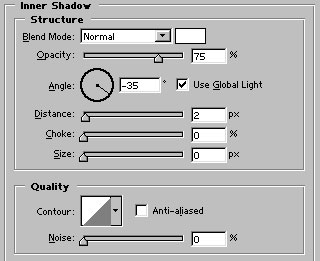

Draw these shapes :
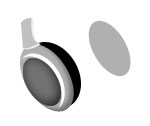



Create a new layer. Draw the shape with 15 point brush :

Draw this #125393 shape with ellipse tool :

Apply these layer styles :
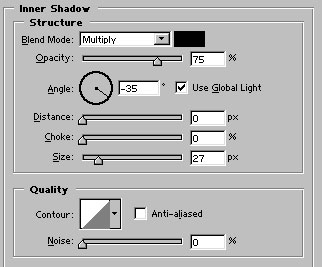
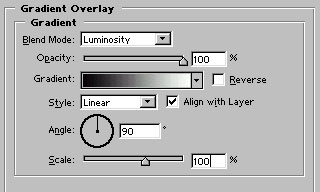
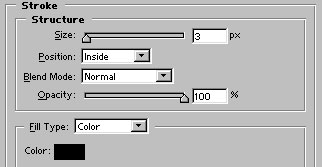

Finally type the name of online music company.
Our online music company logo is ready :)