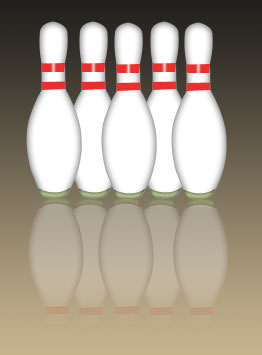
Select the pen tool,click on the path and draw the path as shown :
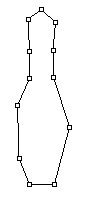
Adjust the nodes as shown :
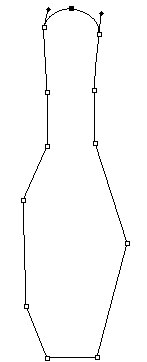
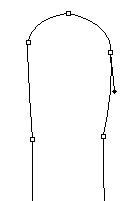
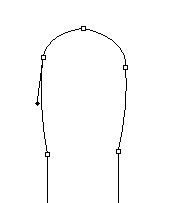
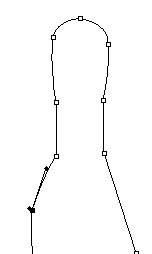
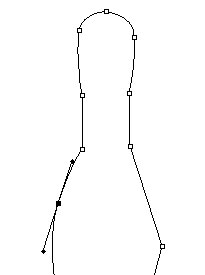
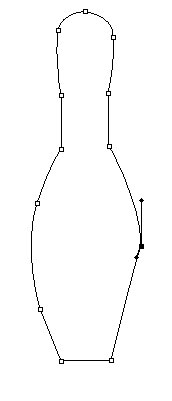
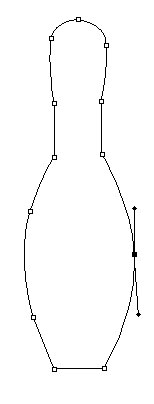
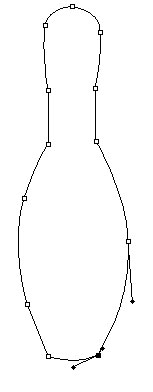
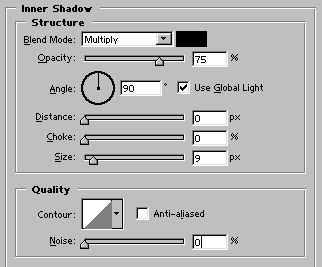
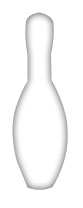
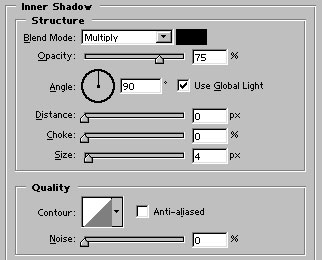
Now, press control+enter to create a selection of the path. Create a new layer by pressing shift+ctrl+n together.Fill the selection with white color. Press control+d to deselect and apply Inner shadow as shown :
Draw this #E9302D colored shape with pen tool :
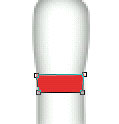
Draw another shape :
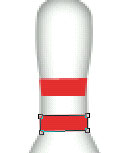
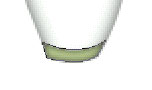
Draw this #B0BC89colored shape at the bottom:
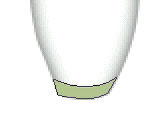
Apply inner shadow in it :
Create a new layer. Select 5 pixel brush and draw a white color line over the top red color shape :

Apply gaussian blur (Filter>blur>Gaussian Blur; amount2 pixels). Our bowling pin is ready.
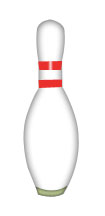
This is just another example of using the drawing in your projects.