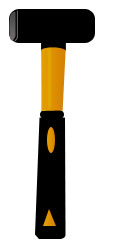
Start by creating this shape with pen tool :
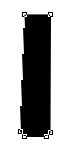
Use rounded rectangle tool (
 ). Set the radius to 5 px and draw the shape :
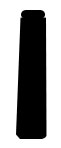
Above this shape, draw the another shape with pen tool :
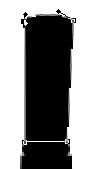
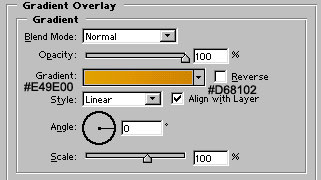
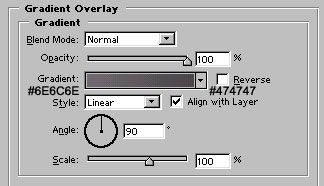
Apply gradient overlay as shown :
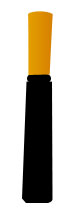
Use rectangle tool (
 ) to draw the shape. Send it to back by pressing alt+ctrl+shift+{.

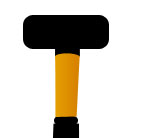
Draw another shape with rounded rectangle tool having 5 px radius :
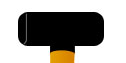
Create a new layer. Draw 1 pixel wide line with pencil tool of gray color :
Create another shape with pen tool :
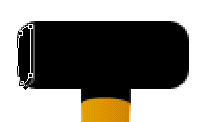
Apply gradient overlay as shown :
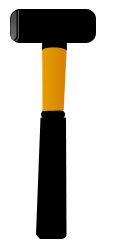
Create a new layer. Set the brush size to around 3 pixel. Use the soft edge brush and draw the line as shown :
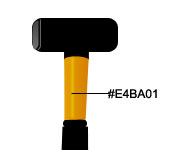
Reduce the opacity to 50%
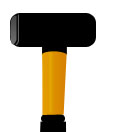
Finally, draw these two shapes. Fill them with similar gradient as we filled our 3rd layer/shape. Your hammer is ready to stroke :)