

Draw this circle with ellipse tool. Use #76AEF0 as fill color :

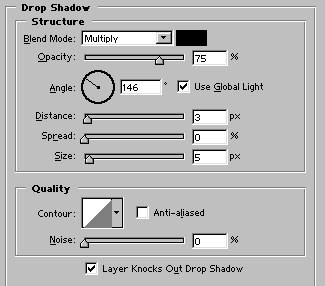
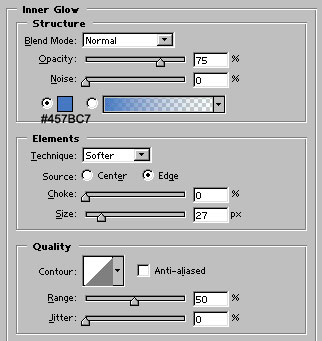
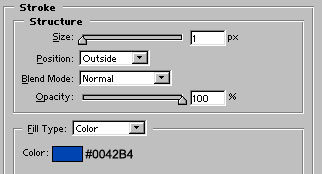
Apply these layer styles :

Select this layer by control+click on its layer's name in layer palette.

Create a new layer. Change the foreground and background colors to black & white by pressing 'D'. Now press 'x' to swap the colors. Use gradient tool (foreground to transparent) to fill this selection.

Press control+d to deselect. Control+J to copy and place this layer as shown :

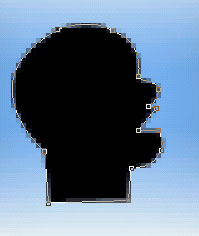
Use pen tool to draw this shape :
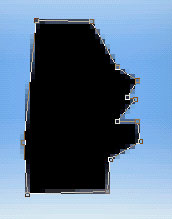
Adjust the nodes as shown :
Use line tool
 with 2 px weight
 and draw the lines as shown. Our chat button is ready :)

