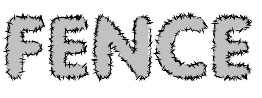
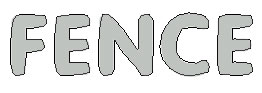
Type "FENCE" with Vag Rounded 90 point font having #C1C1C1 color in it:

Control+click on its layer name in layer palette to select it :
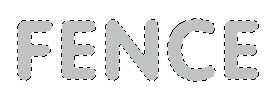
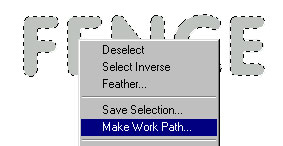
Create a new layer by pressing shift+ctrl+n. Right click anywhere in the selection with any selection tool and click on Make Work Path...
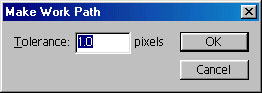
In the dialog box, type 1.0 in the Tolerance :
You will have something like this :
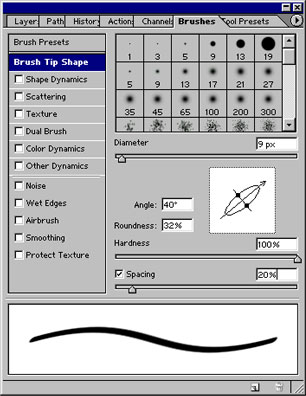
Now, click on brush, set the size to 9 px. Click on Brushes Palette and select Brush Tip Shape as shown :
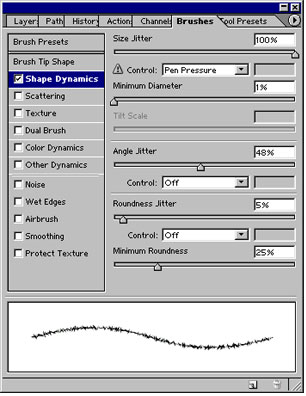
Click on Shape Dynamics and set the values as shown :
Click on pen tool, right click on the path (which is outside our original text) click on stroke path and select brush. We have already set the brush dynamics. Your fence text is ready :)