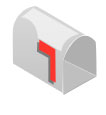
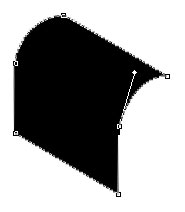
Start by drawing this shape with pen tool. This will be the base of our mailbox :
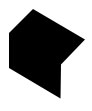
Adjust the nodes of mailbox after zooming in to 200% as shown :
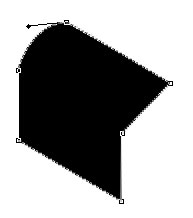
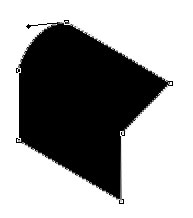
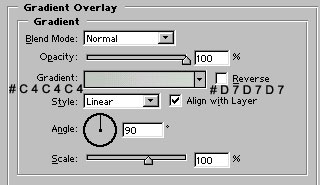
Apply gradient overlay and stroke in the mailbox as shown :
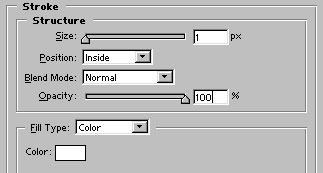
Due to similar white background, stroke effect of our mailbox is not visible here :)

Now, draw this shape with pen tool :
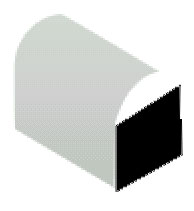
Adjust the nodes. Change the shape color to #AFAFAF.
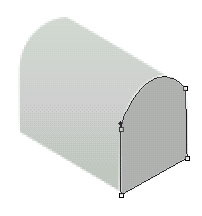
Now, draw this shape. Use #BFBFBF as shown :
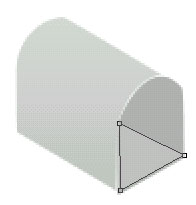
Draw a white color line with 1 pixel wide line tool as shown :
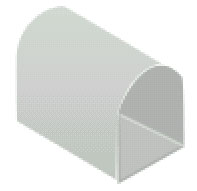
Draw this red color flag shape in our mailbox with pen tool :
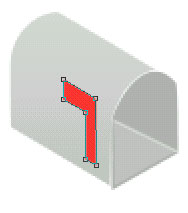
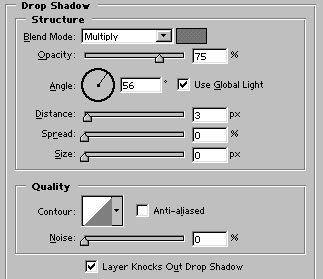
Apply drop shadow in it as shown :
Draw this white color shape above the mailbox with pen tool :
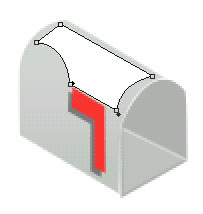
Reduce its opacity around 40%. Our mailbox is ready to receive mails :)