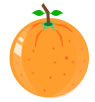
Start by creating this shape with ellipse tool. Use #FE9E2D color to fill the shape :

Create a new blank layer. Use brush and draw some #ED7514 colored dots as shown in the figure having various sizes :

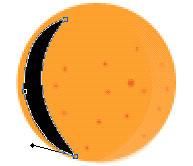
Now, with the help of pen tool draw this shape :
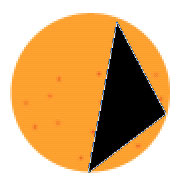
Adjust the nodes as shown :
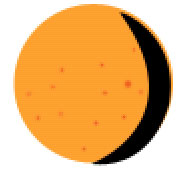
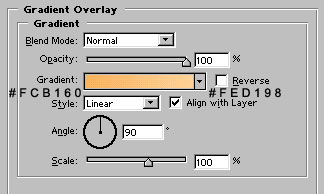
Apply gradient overlay as shown :
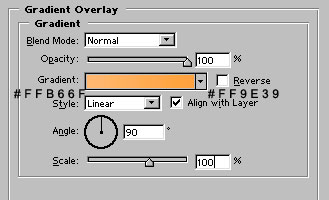

Reduce the opacity to 41% :

Again, with the help of pen tool, draw this shape :
Apply gradient overlay as shown :
Reduce the opacity to 39%

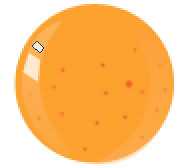
Draw these white colored shapes with pen tool :
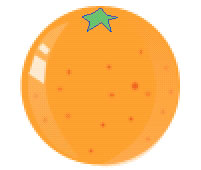
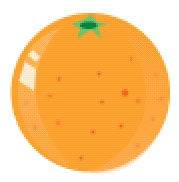
Now, draw this shape with pen tool. Use # 7AC157 color for it :
Draw #008A32 colored circle with pen tool as shown :
Draw this #9A6E53 colored shape with pen tool :
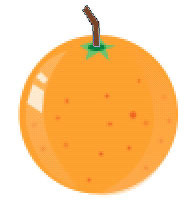
Use autoshapes to draw leaves. Use #09B113 color for them.
Use pen tool to draw #F67A22 colored shapes as shown. Our drawing is ready :)