Create a new file with 1600x1200 px and 72 dpi.
Start representing the primary texture's cliche.
Select the next tool
 and apply it on a new layer: 4x4 px to create first elements, like the next ones. The color is 4D7FA2.

Save it!
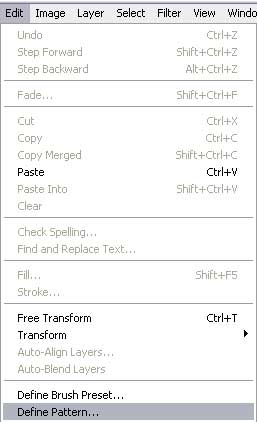
Set the parameters from the table:
Blending Options-Gradient Overlay
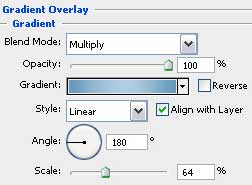
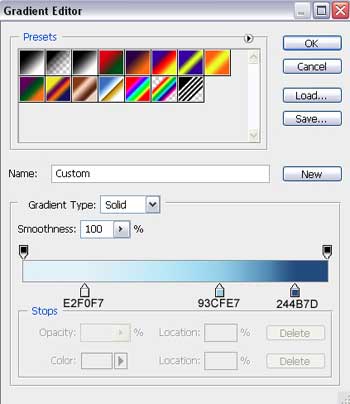
Gradient's parameters:
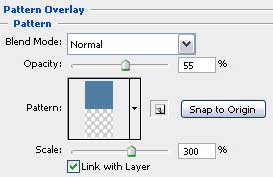
Blending Options-Pattern Overlay
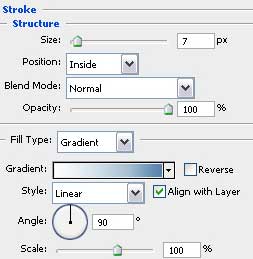
Blending Options-Stroke
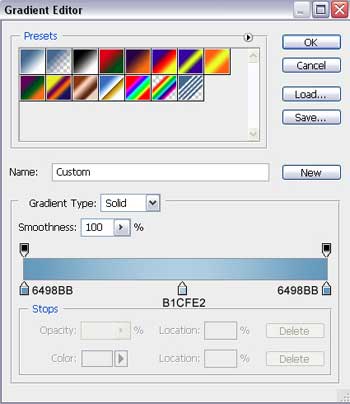
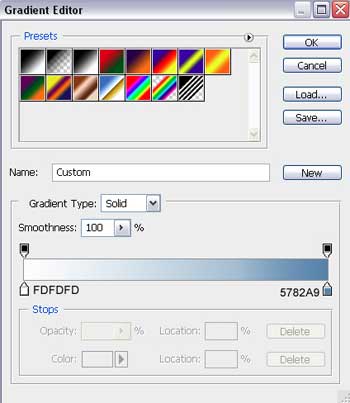
Gradient's parameters:
We'll get the background of our picture to be.

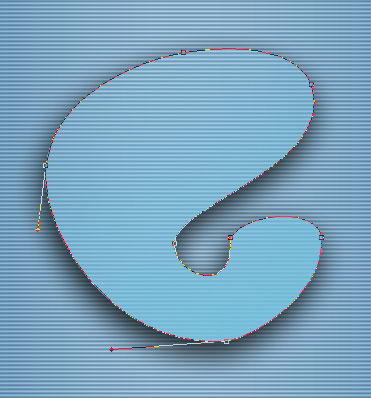
Take the following tool and draw the silhouette of a foot (the logotype of the Linux - GNOME cover)

Fill 0% on the layers.
Blending Options-Drop Shadow
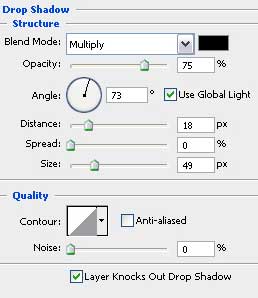
Blending Options-Gradient Overlay
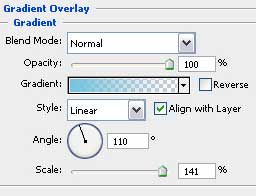
Gradient's parameters:
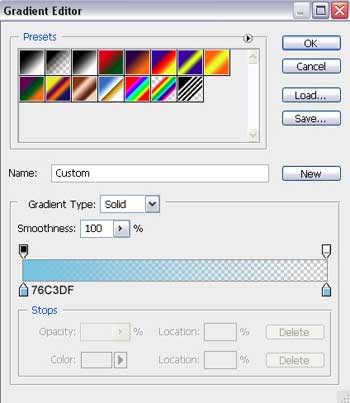
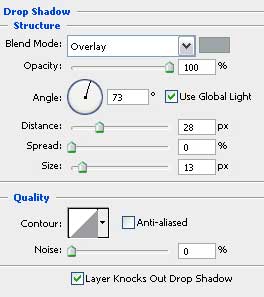
Make a copy of this new layer and then make use of the Free Transform option to make the copy smaller, but change the parameters the way it is indicated in the tables below:


Blending Options-Drop Shadow
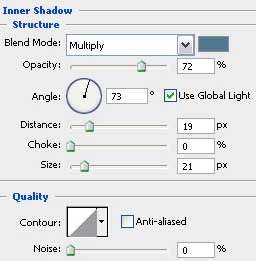
Blending Options-Inner Shadow
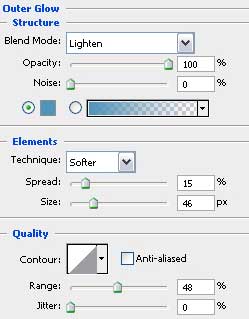
Blending Options-Outer Glow
Blending Options-Gradient Overlay
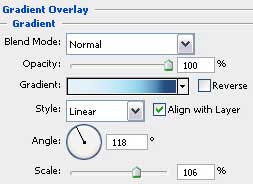
Gradient's parameters: