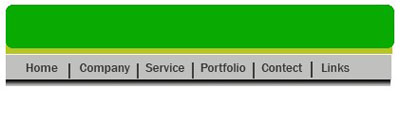
1. Firstlly open a new blank document size 438x203 pixe 96 resolution, RGBcolor mode
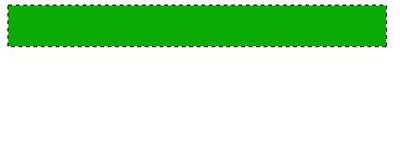
2. Create a new Layer1 from the Layer style and Create a new rectangul help by the Rectangular marquee tool . and fill the any nice color here I have used Green color with Alt+Backspace
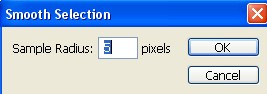
3. Now go to Select>Modify>Smooth =5 pixel
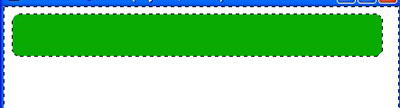
4. Press the Shift+Ctrl+I and press the 'Delete' key on your keyboard now press the Ctrl+D for deselect
5. Now select the Background layer after that create a new layer2.
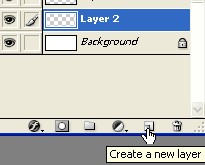
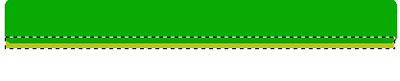
6. Create a new shape with Rectangular marquee tool and fill with any nice color now press the Ctrl+D
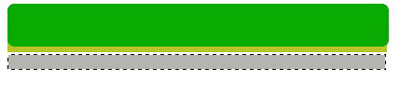
7. Now create a new layer from the layer window and create a new shape with Marquee tool now fill the Gray color now deselect
8. Type any words with the help of theText tool
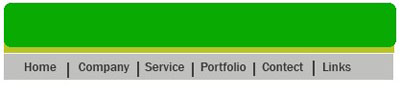
9. Now create a new rectangel with the help of the Marquee tool

10. Select the Linear Gradient tool

11. Fill the color with the help of the Linear Gradient tool now deselect

12. Your image has been completed