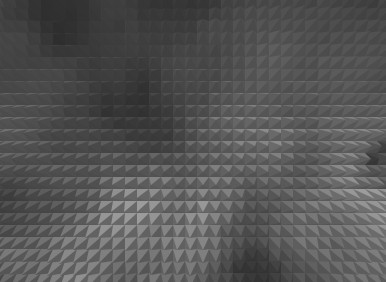
1. First of all open a new document, here I have used document size=420x420 pixel, 96 resolution
2. Now press "D" on your keyboard and go to Filter >Render>Cloud
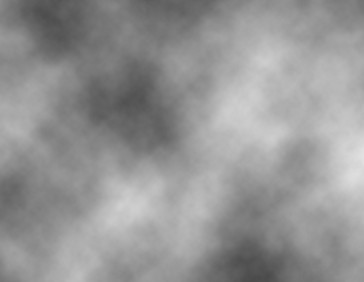
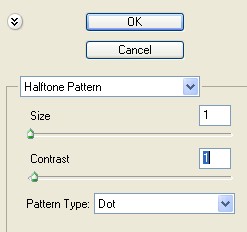
3. Now go to Filter>Sketch>Halftone Pattern and use the setting below
4. Your image should look like this
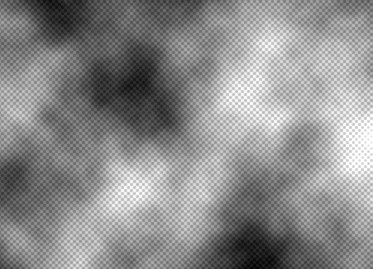
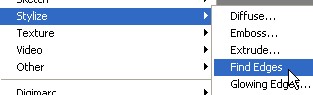
5. Here go to Filter>Stylize>Find Edges
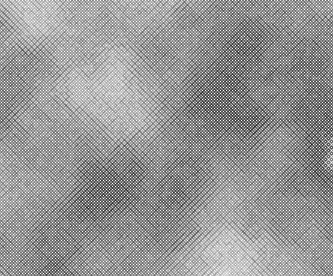
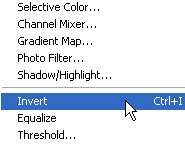
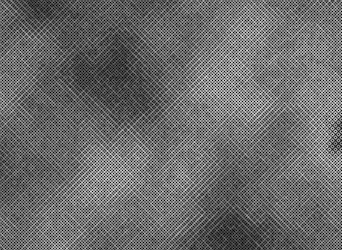
6. Go to Image>Adjustment>Invert or press the Ctrl+I
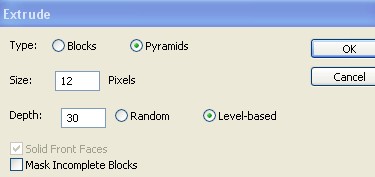
7. Now go to Filter>Stylize>Extrude and use the setting below
8. Your image should look like this