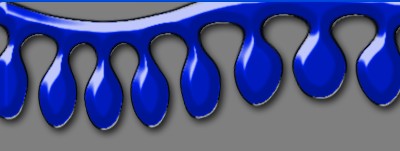
1. First of all open a new document any size here I have used size 400x400
2. Now select the new design as shown below .
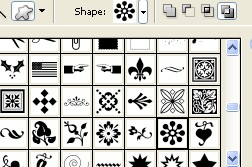
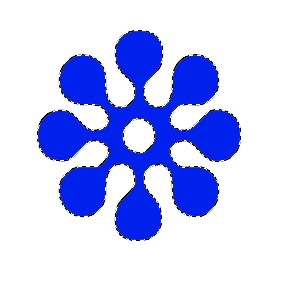
3. Create a new Layer from the layer window and Now create a new shape and fill with any nice color
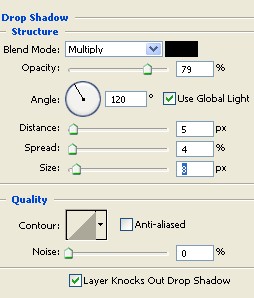
4. Now double click on the layer and select the Drop shadow from the layer style and use the following settings
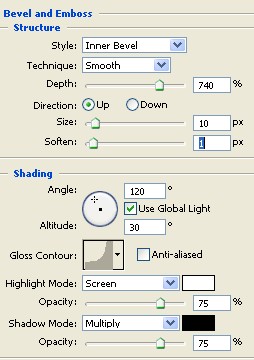
5. Now select the Bevel and Emboss and use the setting below
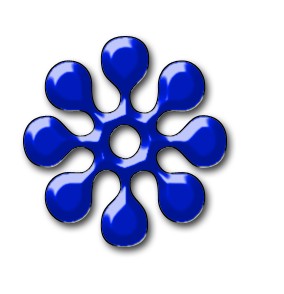
6. Now your image should look like this
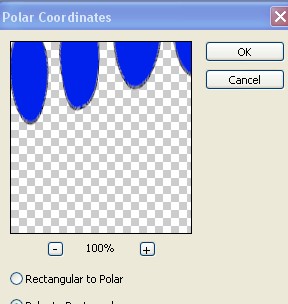
7. Now here go to Filter>Distort>Polar Coordinates and use following settings
8. Your image has been completed.