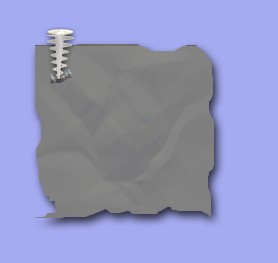
1. First of all open a new document size = 420 x 420 pixels, 96 resolution and RGB color mode
2. Create a new layer1 and create a new shape with the help of the Rectangular marquee tool now fill with any nice color. Here I have used color #BCBAB2 . After that press Ctrl+D
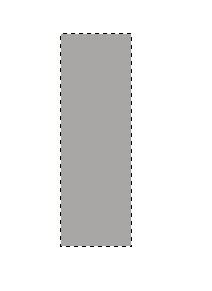
3. Press the Ctrl+T and drag the Transform selection while holding 'Ctrl' key now press the 'Enter' key
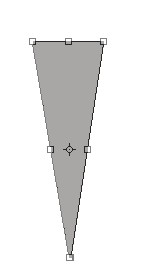
4. Now here Go to Filter menu>Distort>Shear and apply the following settings
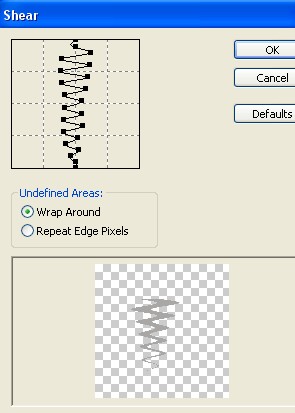
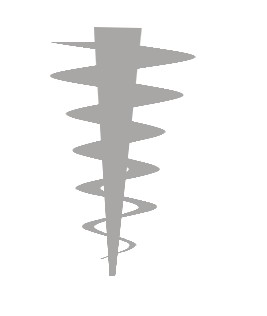
5. Create a new layer2 and create a new shape with the help of the Rectangular marquee tool look above As step 2 to 3
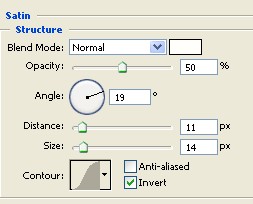
6. Double click on the Layer1 and select the ' Satin ' from the Layer style and use the setting below After that Press the Ctrl+E to merge layers
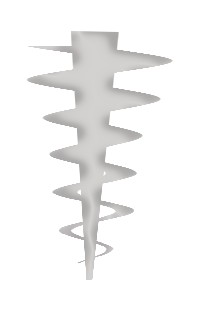
7. Your image should look like this .
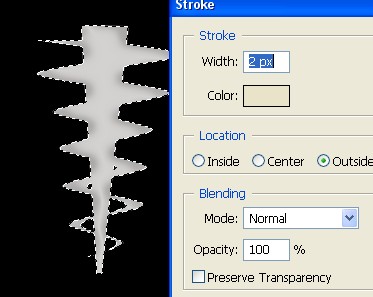
8. Fill the Black color on the Background now Ctrl+Click on this Layer2 and Right click now select the Stroke = width:2pix, color#E5DFC8
9. Now here Create a new shape with the help of Elliptical marquee tool after that create a new Layer3 and fill the color with the help by The 'Diamond Gradient tool'

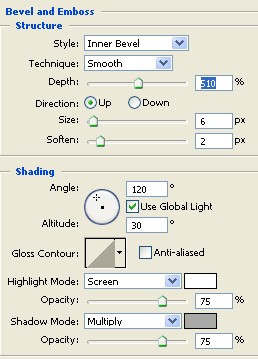
10. Double click on this Layer2 and select the Bevel and Emboss from the Layer style and apply the following settings .As shown below
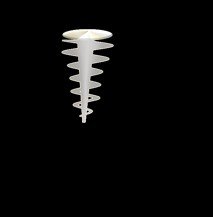
11. Small the image with the help of the Transform selection with hold on Shift+Alt
12. Now here select the Gradient tool and use the setting below

13. Create a new Layer3 and create a new shape help by Rectangular marquee tool after that use the Gradient tool . As shown below
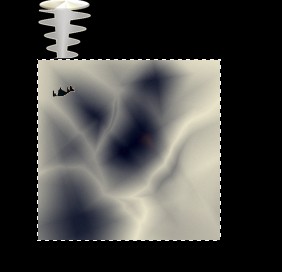
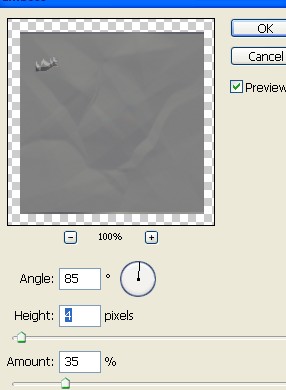
14. Now go to Filter menu>Stylize>Emboss and apply the following settings. As shown below
15. Here double click on the Layer3 and select the Drop Shadow from the Layer style.
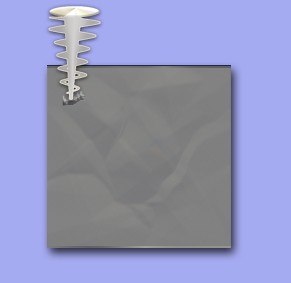
16. Now selection to the image [layer3] help by Lasso tool and press the Shift+Ctrl+I now Press the Delete key on your keyboard .
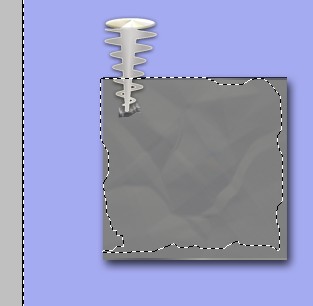
17. Your image has been completed.