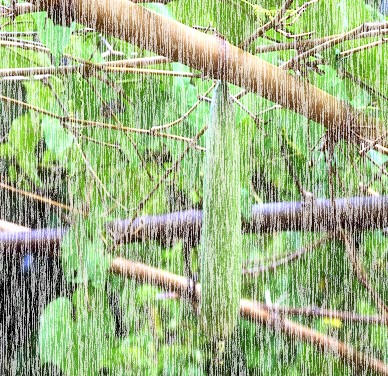
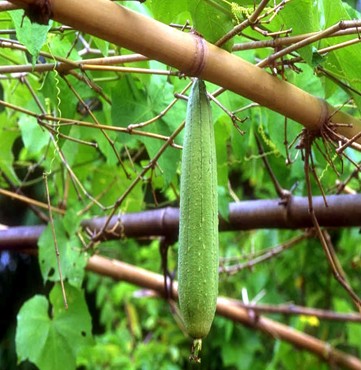
1. First, take a any new image as you like as I choose in the image below.
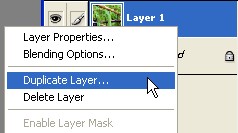
2. Now Right click on this layer1 and select the Duplicate Layer.
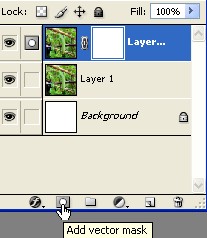
3. Now look below and click on this icon 'Add vector mask' .
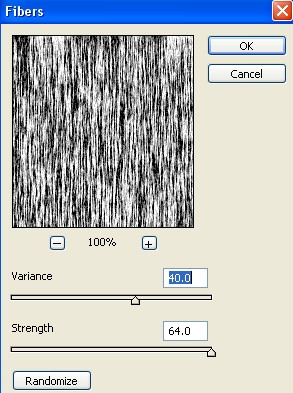
4. Now here go to Filter>Render>Fibers and use the settings below
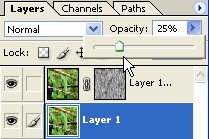
5.Select the Layer1 and Radius opacity 25% .
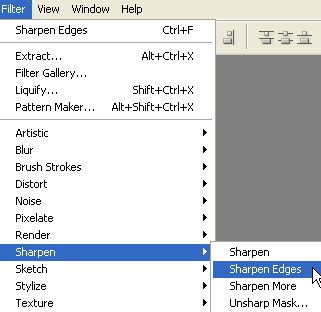
6. Now go to Filter>Sharpen>Sharpen Edges
7. Now your image has been completed.