Start by creating a circle using elliptical shape tool.

Press Ctrl+J to duplicate the layer. Press Ctrl+T and move the duplicate layer a few pixels to the right. Now press Ctrl+J and then Ctrl+Shift+T to create duplicate circles move exactly the same number of pixels to the right.
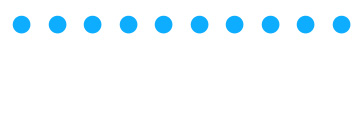
Create a pattern of circles as shown below.
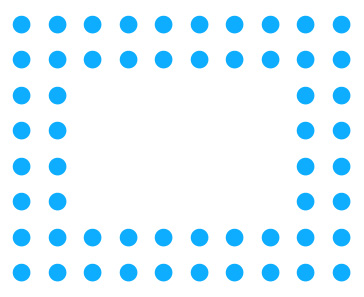
Type the company name and relevant text in new layer.

Duplicate the text layers. Reduce the opacity.

Open animation window. For the first frame hide all the layers.
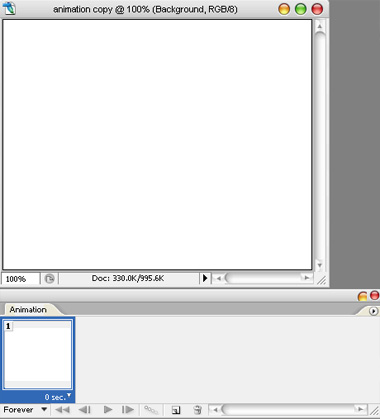
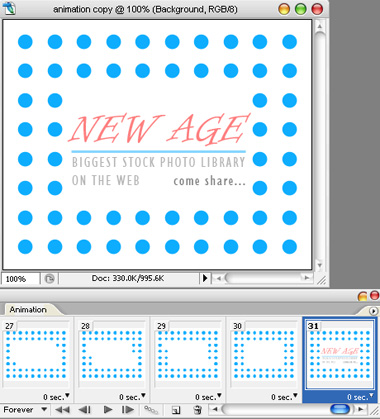
Duplicate frame. Unhide the circle layers shown below. Keep duplicating frames and follow the animation window shot below to keep unhiding the circle layers.
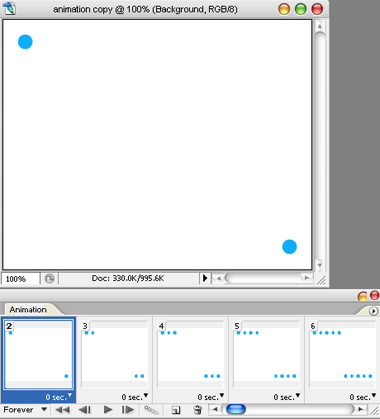
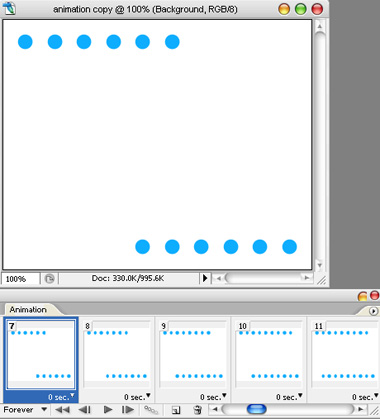
Duplicate both the layers and place it on the right corner.
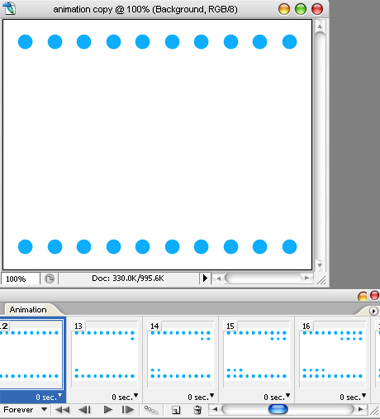
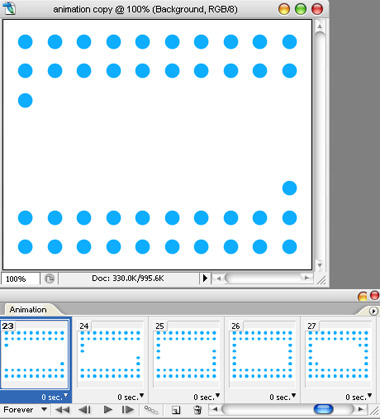
Duplicate the layer and place it for the other side.
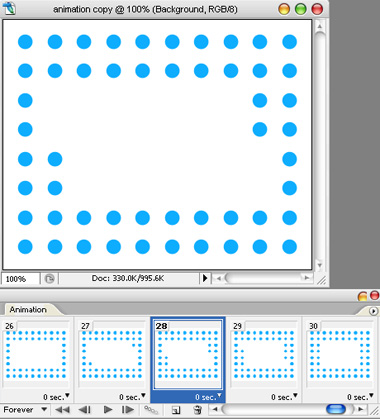
On 31st frame unhide the low opacity text layer.
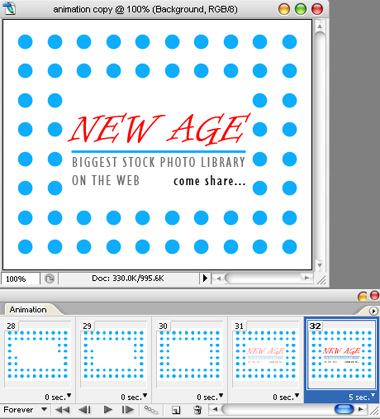
On 32nd frame unhide the full opacity text layer.
Press Ctrl+Alt+Shift+S to save an optimized animated GIF.