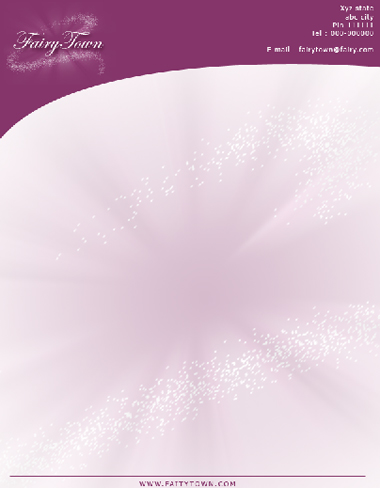
After a logo the most important thing for a company image is its stationary. In this tutorial we'll design a letterhead of an imaginary company "FairyTown". Refer to our other tutorial for help on designing this logo.
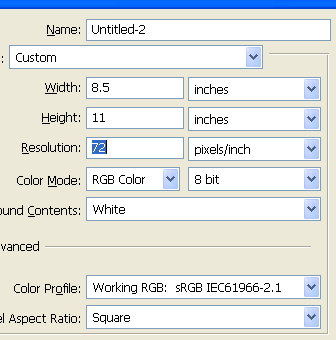
Start by opening a new file. We use standard size of letterhead.
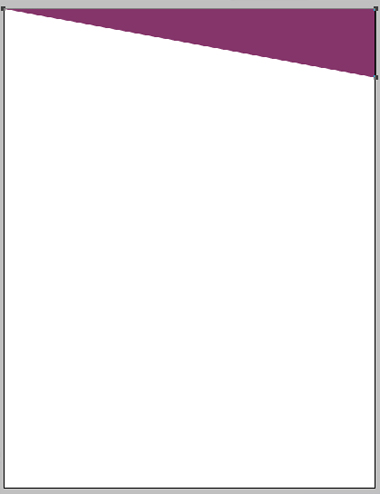
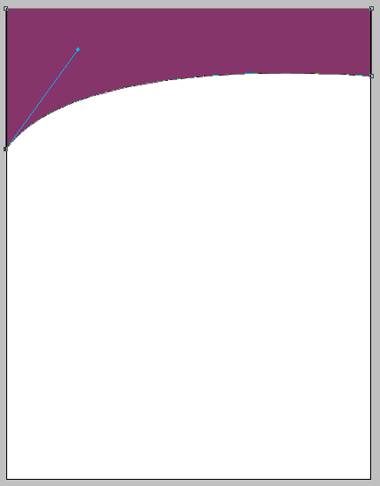
Using pen tool create a curvy path for the top design of the letterhead.
Open "Fairy Town" logo.
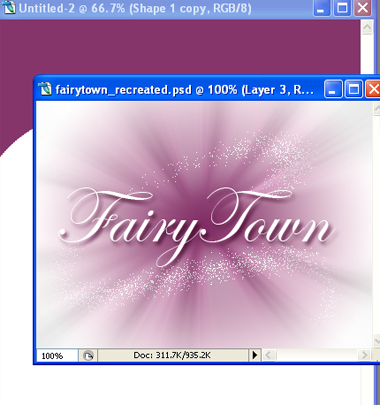
Select the layer of the logo and drag it to the main file.
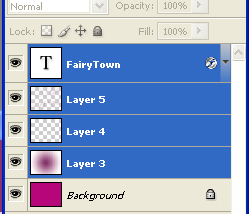
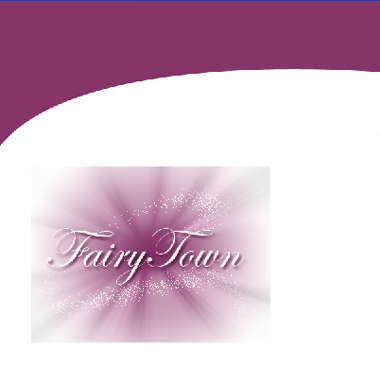
Press Ctrl+G to group the layer in new set.
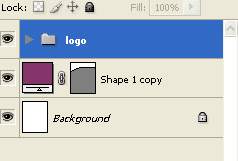
Hide the text layer "Fairy Town". Press Ctrl+T to transform the group.
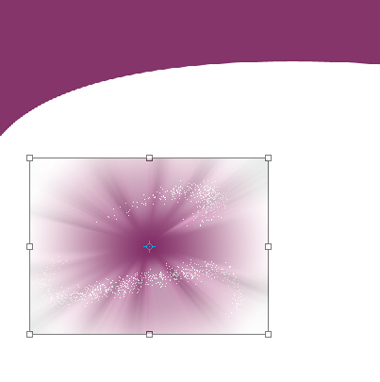
Scale it up and rotate as it cover all the document area.
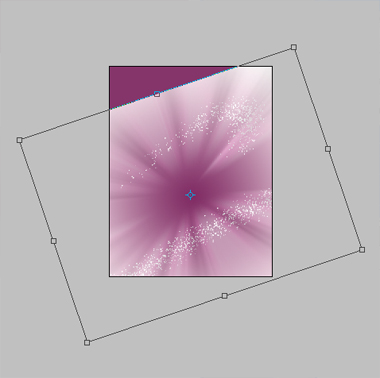
Move the cervical path layer above the group set.
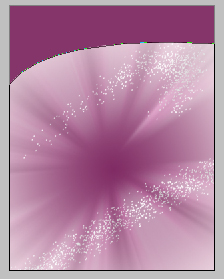
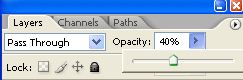
Reduce the opacity of group to 40%.
Again drag the "Fairy Town" logo to the main file.
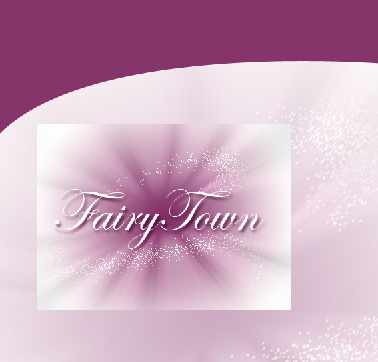
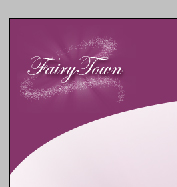
Scale it down and place it at the top left of the letterhead.
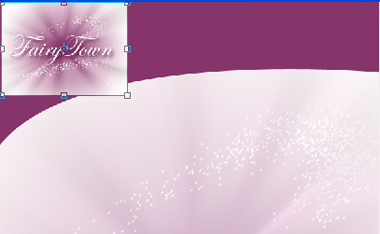
Hide the background white layer of the logo.
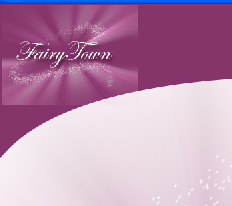
Select eraser tool to remove the edges of the motion blurred layer.
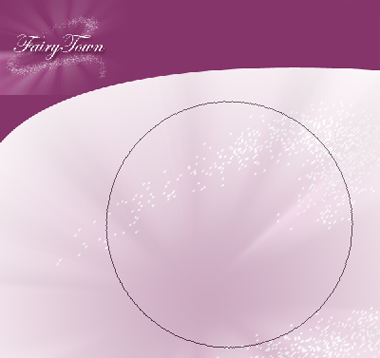

Using line shape tool create a line at the bottom of the letterhead.

Add the company details on top right of the letterhead and company website on bottom line.