Start by opening a new file. Type "LIGHT GLOW" in new layer.

Ctrl select the type layer to get the selection.

From filter menu select modify>>contract.
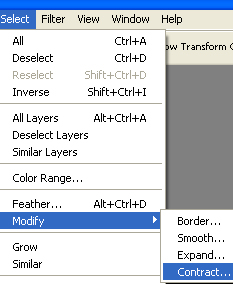
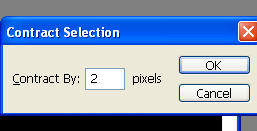
Contract the selection by 2 pixels.

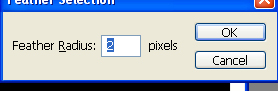
Press Ctrl+Alt+D to feather the selection.
Now press delete two times to remove the inner area.

Press Ctrl+Shift+U to desaturate.
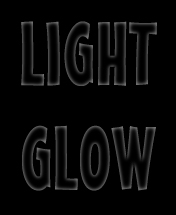
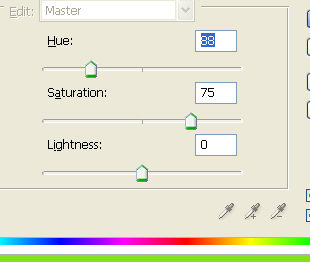
Press Ctrl+U to open hue/saturation palette. Apply settings as shown.
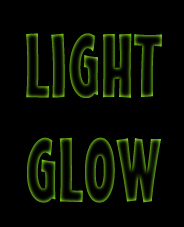
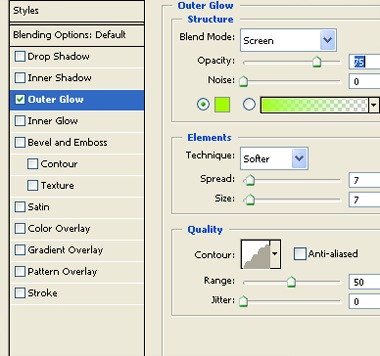
Double click the layer to open layer style window. Enable outer glow and use settings as shown.

Apply a gradient to the background.