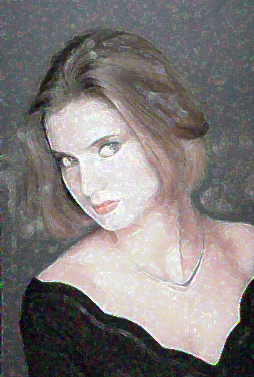
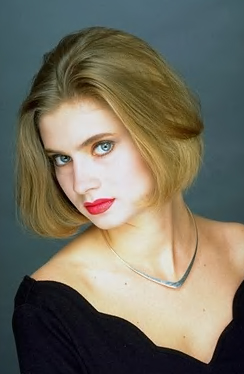
Start by opening an image.
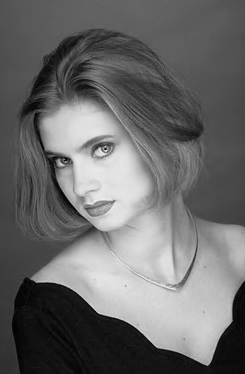
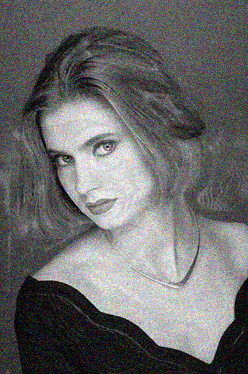
Duplicate the layer and press Ctrl+Shift+U to desaturate the image.
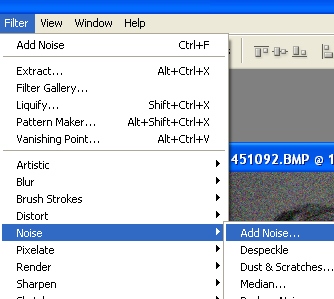
From filter menu select noise>>add noise.
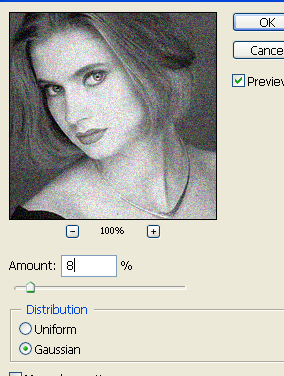
Use settings as shown.
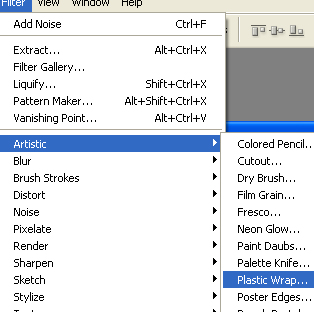
From filter menu select artistic>>plastic warp.
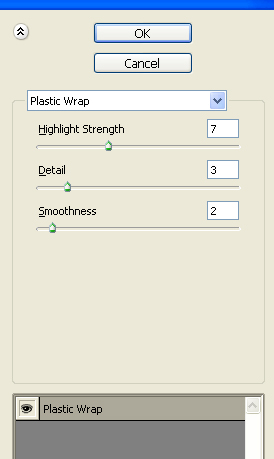
Apply settings as shown.
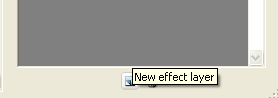
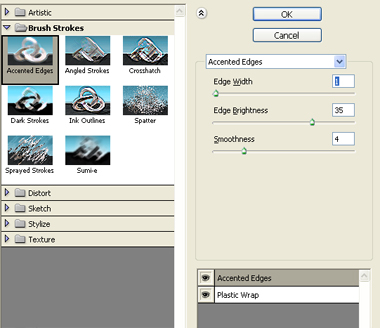
Create a new effect layer and apply brush strokes>>accented edges.
Apply settings as shown.
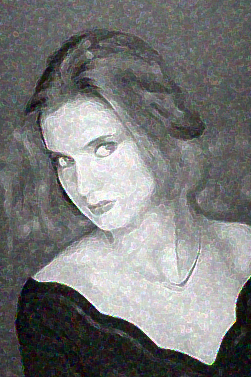
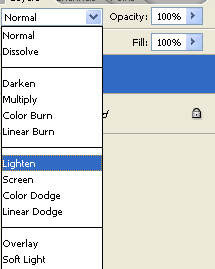
Change the color mode to lighten.