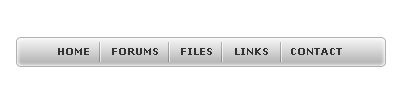
Step 1
Get a simple navigation bar ready for this.

Step 2
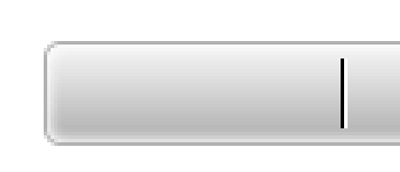
Create a new layer and make a vertical line inside this navigation bar. Make sure the color is set to black. I zoomed in so you can see.

Step 3
Now duplicate it and nudge it 1px to the right. Change the color of this line to white.
Step 4
Set the layer with the black line to 50% opacity and 50% fill. Set the layer with the white line to 80% opacity and 80% fill.

Step 5
Merge the 2 layers together and duplicate it as many times as needed to accommodate for the amount of links you have. Also, make sure you align them with your text.

Final Result: