1. Start new document with 500 width and 300 height. Create New layer. Select Ellipse Tool from toolbar and draw an ellipse.
2. Rasterize this layer. Select gradient tool and edit gradient colors as below.
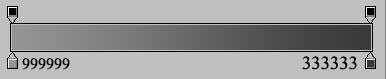
3. Select Reflected gradient and apply gradient from top to bottom and apply following blending effects.
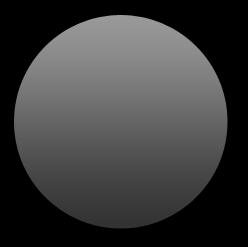
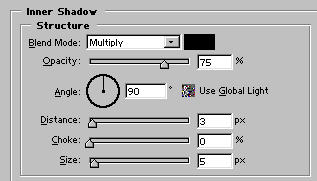
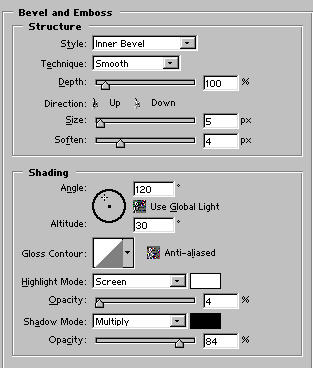
4. Create new layer and draw another ellipse but this time smaller than the base circle.
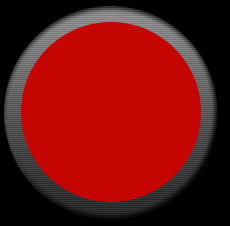
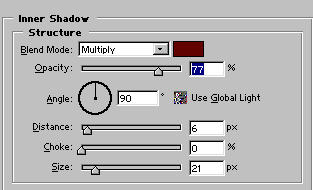
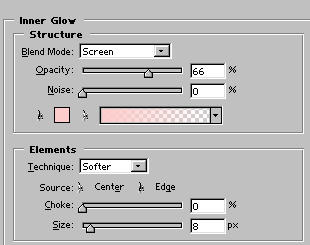
5. Apply the following blending effects to red circle.
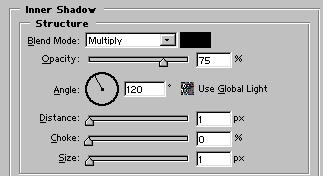
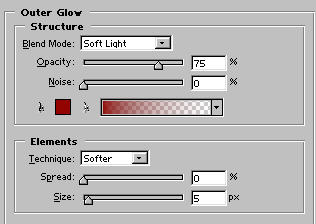
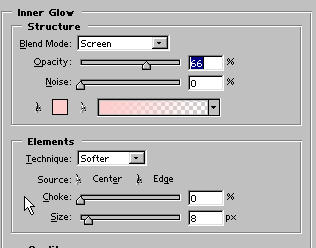
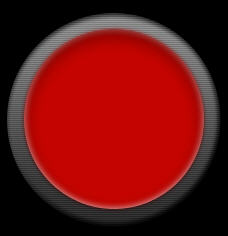
6. Create New layer and draw another circle in same size as red circle. Fill it with color #CC0000. Now add Noise with these setting to this circle:
Amount=12%
Gaussian
Monochromatic
Change its layer mode to Multiple
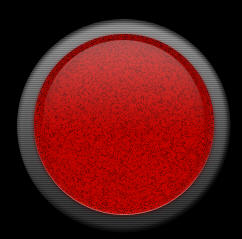
7. Now its time to add handles to our interface. With the help of Rounded Rectangle tool draw handles like this. Apply the same gradient as i apply to base ellipse.
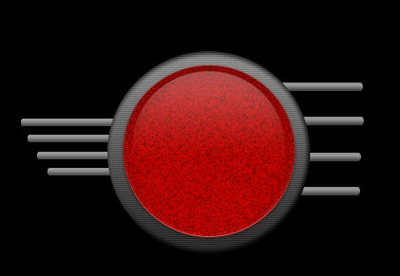
8. Then i add liquid effect inside the handles, with the help of rounded rectangle tool. Then apply these effect:
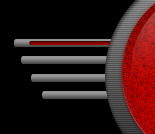
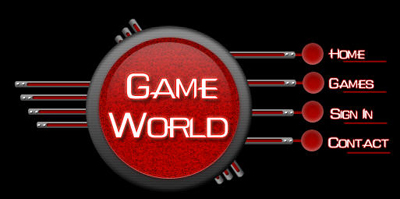
9. My Result:
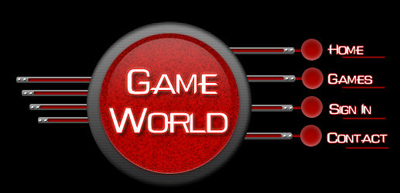
10. For these balls i apply these effects: