Step 1
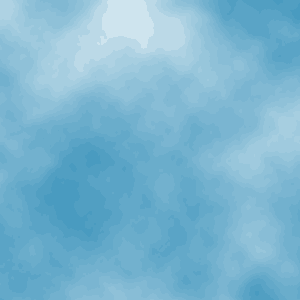
Open a new document and fill it with white. Goto Filter>>Render>>Clouds.
Step 2
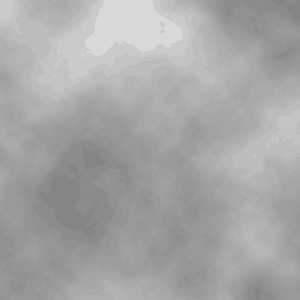
Now press Ctrl+U to get to adjust its Hue and Saturation. In the Hue/Saturation menu bring the saturation all the way down to -100%.
Step 3
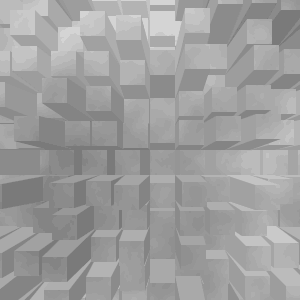
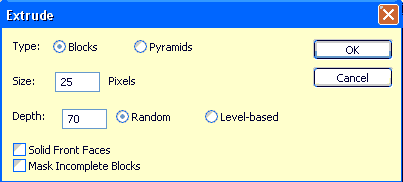
Now goto Filter>>Style>> Extrude. Set the extrude properties to anything. I chose 25 size and 70 depth. Make sure Type: Blocks is selected.
Final Result: