Step 1
Create a document and select the brush tool. Set the Brush to size 80 or larger and set the flow to 50%.

Step 2
Select a color for your mist. Now goto your document and tap your mouse to make small round circles. Do not move the mouse while tapping. Try not to overlap circles. The more you tap at one spot the darker the color gets.

Step 3
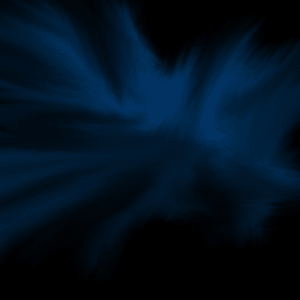
Now select the Smudge tool. Select a brush with a lot of noise. Set the strength to 50%. start smudging inwards and outwards around your circles. Smudge until you are satisfied with the shape.

Final Result: