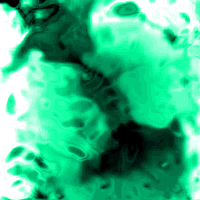
Step 1
Create a document with a light gray background. Goto Filter>>Render>>Difference Clouds. Press Ctrl+Alt+U and move the saturation bar all the way to the left at -100.

Step 2
Goto Filter>>Sketch>>Chrome and set the detail to 10 and smoothness to 0.
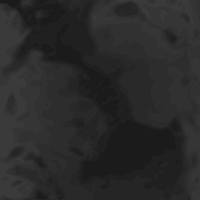
Step 3
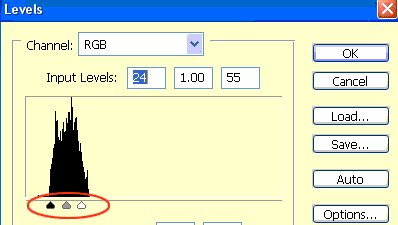
Goto Image>>Adjustments>>Levels and move the tabs toward the black spikes. Make a new layer and fill it with a color you want the plasma to be. Set the blending mode to "Color" And you're done.
Final Result: