Step 1
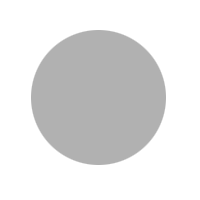
Create a circle and fill it with a light gray color.
Step 2
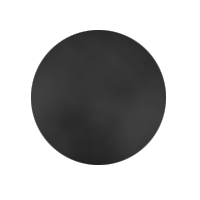
Goto Filter>>Render>>Difference Clouds. It is okay if it doesn't show up that well.
Step 3
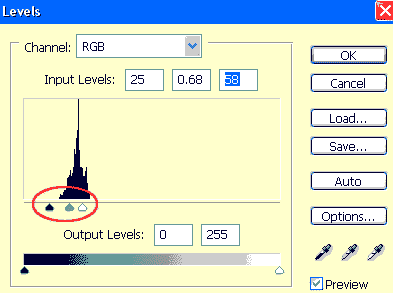
Next goto Image>>Adjustments>>Levels and move the handles toward the area with a lot of "Spikes".
Step 4
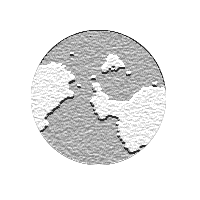
Your image should start looking like a globe. Finally goto Filter>>Sketch>>Note Paper.
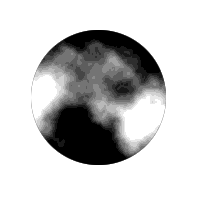
Final Result: