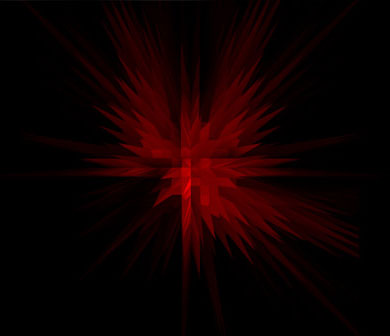
Here you will be taught how to make crystals in photoshop.
1. Open a new file, around 800 x 600 pixels. with a black background.
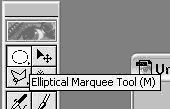
2. Use the elliptical marquee too make circle in the middle of medium size. Heres mine
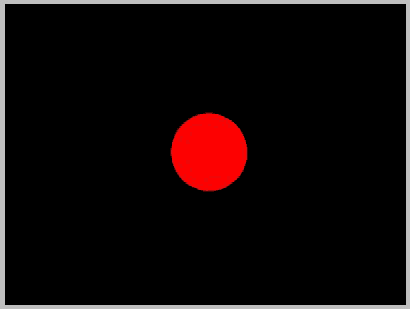
3. Make sure the circle and the black background are on the same layer. Now go to FILTER > STYLIZE > EXTRUDE
Use these setting
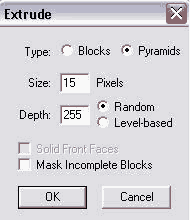
4. Now use EXTRUDE again but this time change the size to 20. Do this 2 times.
Heres my final result