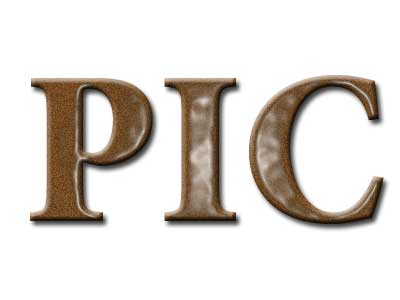
1. Type the text in the shade of Brown as shown below.

2. Filter > Noise > Add Noise
(Amount: 7, Uniform, Monochromatic)
Say OK when asked for Rasterizing the type.

3. Filter > Artistic > Plastic Wrap
(Highlight Strength: 15, Detail: 9, Smoothness: 7)
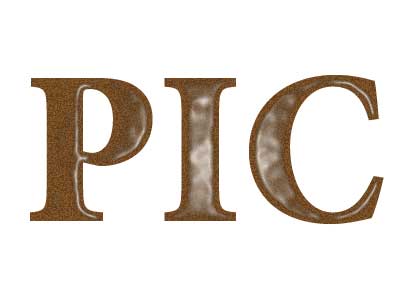
4. Layer > Layer Style > Bevel and Emboss
Select Drop Shadow also