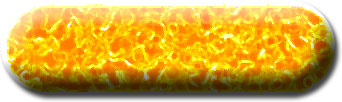
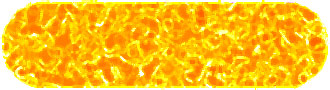
1. Create a new file. Create a new layer. Draw the Elliptical button and fill it with the color shown in the figure.

2. Filter > Noise > Add Noise
(Amount: 7, Uniform, Monochromatic)
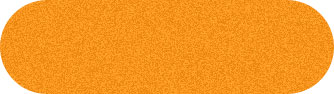
3. Filter> Artistic> Paint Daubs
(Brush Size: 8, Sharpness: 7, Brush Type: Sparkle)
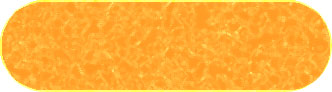
4. Filter> Artistic> Paint Daubs (Again with the same settings)
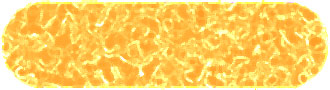
5. Duplicate the layer and change the blending mode of the top layer to Color Burn. Merge down the top layer.
6. Layer > Layer Style > Bevel and Emboss
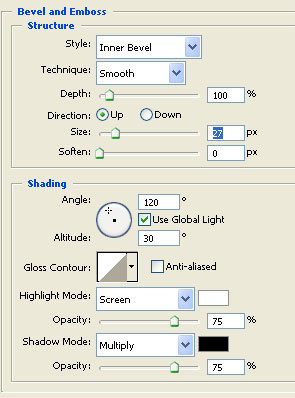
Change the settings according to the following figure.
Please remember to change the size to 27
Click Drop Shadow also.
7. You will get the following result.