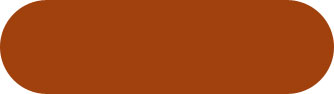
1. Create a new file. Create a new layer. Draw the Elliptical button and fill it with the color shown in the figure. Its Dark Red Orange.
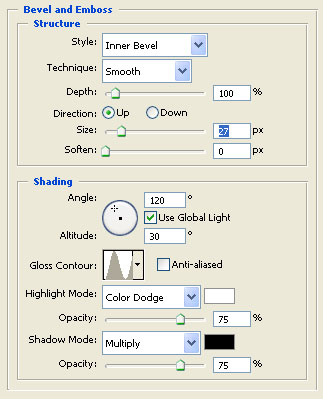
2. Layer > Layer Style > Bevel and Emboss
Change the settings according to the following figure.
Please remember to change the size to 27
Gloss Contour to Ring.
Highlight Mode to Color Dodge.
Click Drop Shadow also.
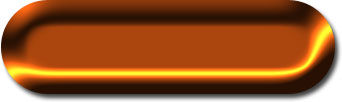
3. You will get the following result.