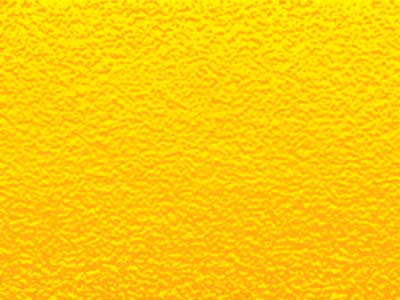
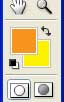
1. Create new file. Keep following colors for foreground and background.
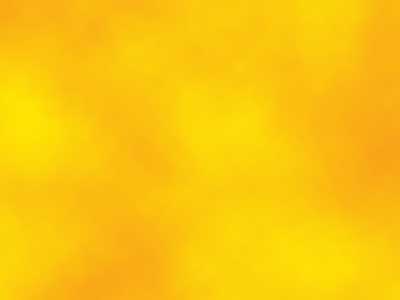
2. Filter > Render > Clouds
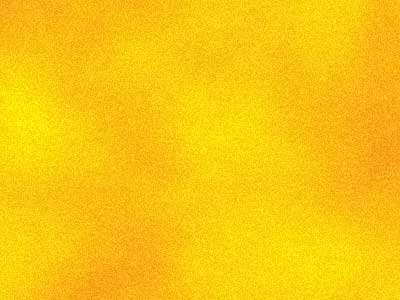
3. Filter > Noise > Add Noise
(Amount: 7, Uniform, Monochromatic)
4. Image > Sketch > Bas Relief
(Detail: 13, Smoothness: 2, Light: Bottom)
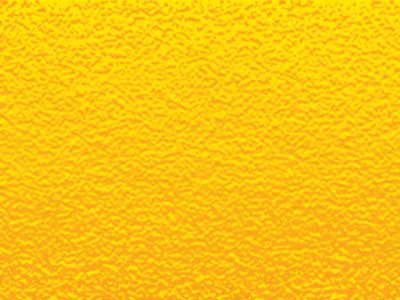
5. Image > Adjustments > Brightness/Contrast
(Brightness: +7, Contrast: +10)