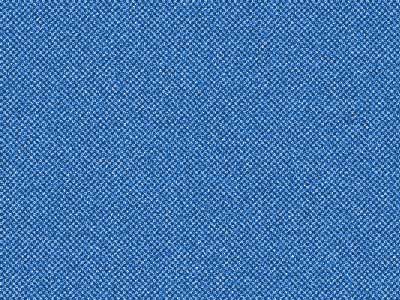
1. Create new file. Fill it with the suitable blue color.

2. Filter > Sketch > Halftone Patterns
(Size: 1, Contrast: 10, Pattern Type: Dot)
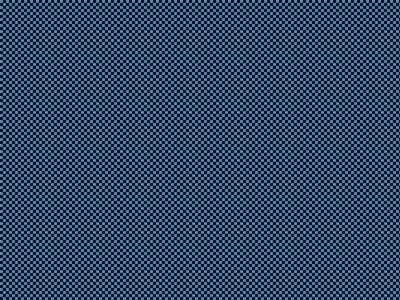
3. Filter > Noise > Add Noise
(Guassian, Amount: 27 Uncheck Monochromatic)
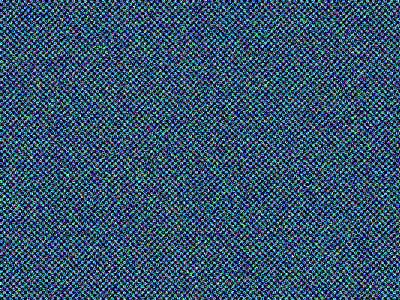
4. Image > Adjustments > Hue/Saturation
Check Colorize.
(Hue: 211, Saturation: 61, Lightness: +22)