


Start off with just a blank image. and select the text tool and type some text.
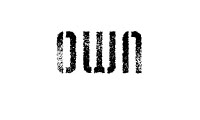
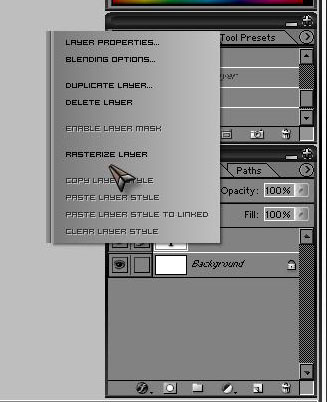
Once your text is typed right click on the text layer and select rasterize
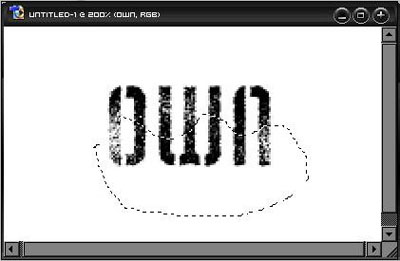
Ok once it is rasterized select the lasso tool... and make some jagged lines like this
Now simply select the arrow tool and move the selection where ever you want and you should get some result like this.......
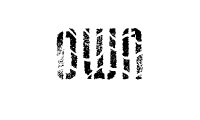
Play around with it more to get some more cool effect.. I hope you enjoyed this simple tutorial..
