Create a new file with 1024x768 px and 72 dpi and paint it in black color, the way it is shown below:

Select now this instrument
 and try to outline a penguin's arm.
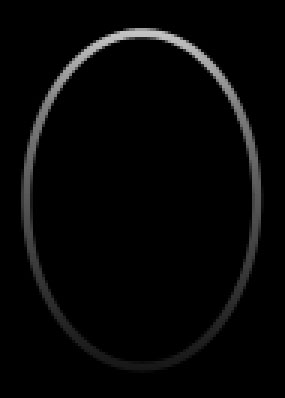
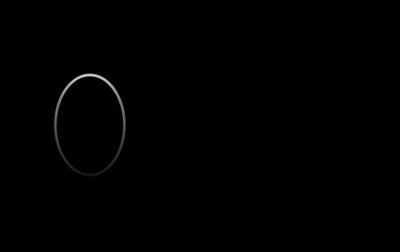
Fill 0% on the layers
Blending Options-Stroke
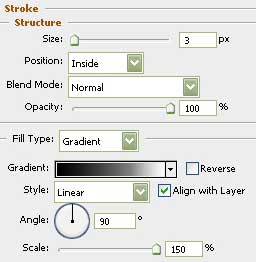
Gradient's parameters:
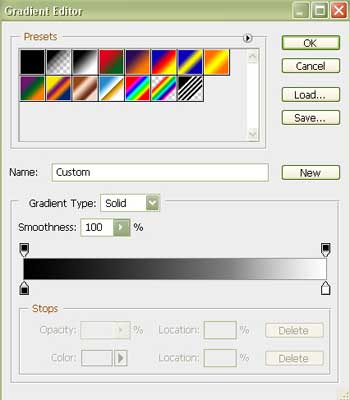
Take now the next instrument
 and outline the right arm of the penguin.
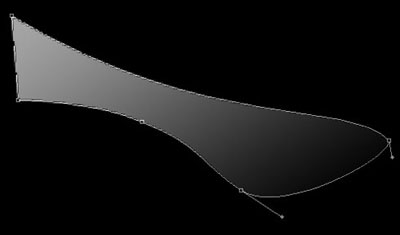
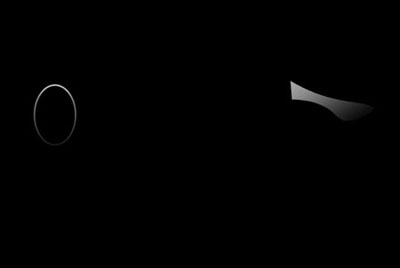
Fill 0% on the layers.
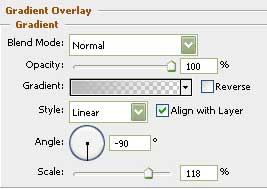
Blending Options-Gradient Overlay
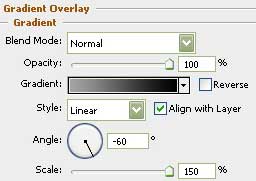
Gradient's parameters:
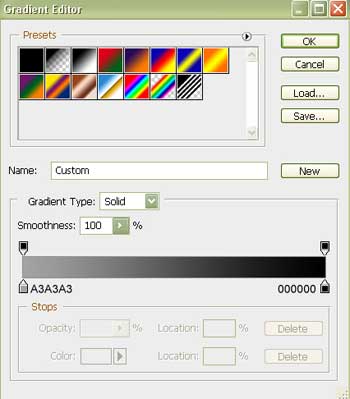
Selecting the previous instrument, it's possible to continue representing the penguin's arm.
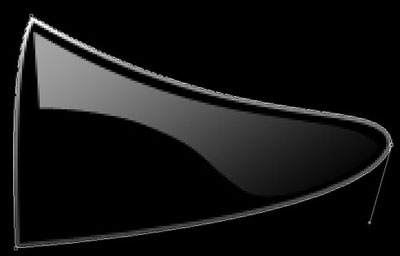
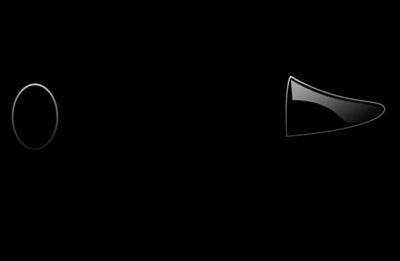
Fill 0% on the layers.
Blending Options-Stroke
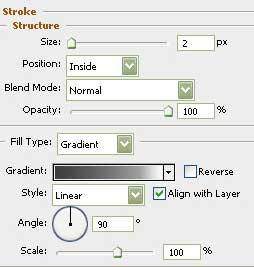
Gradient's parameters:
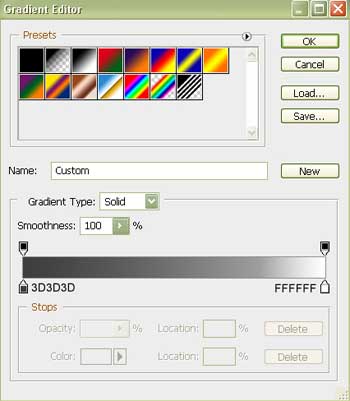
Take the same instrument, used before
and insert the other necessary elements on the left arm.
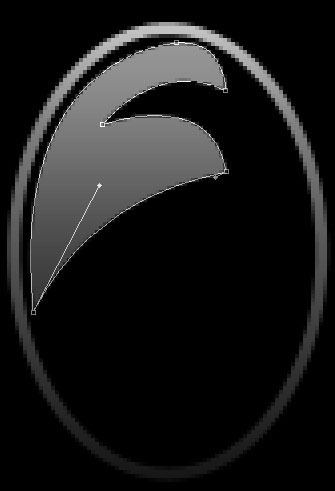

Fill 0% on the layers.
Blending Options-Gradient Overlay
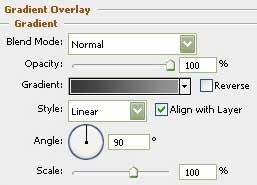
Gradient's parameters:
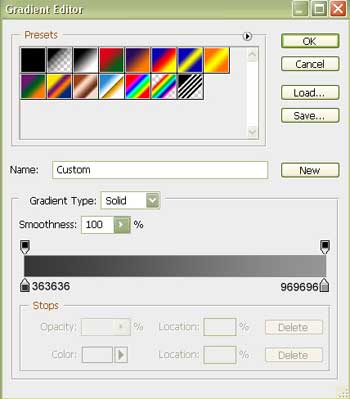
Make use of the next tool now
to draw the body's silhouette of the animal.
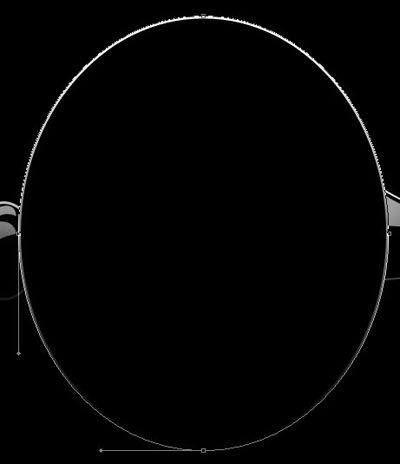
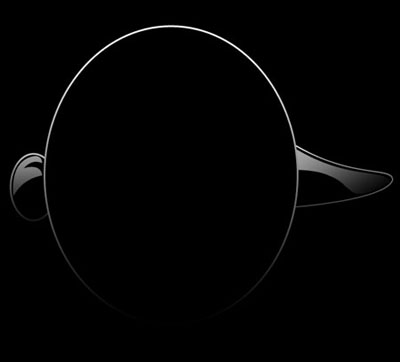
Blending Options-Stroke
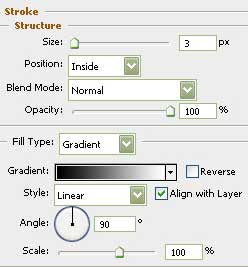
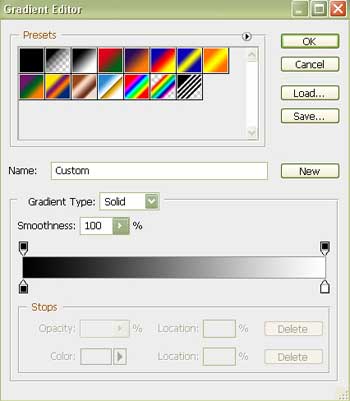
Gradient's parameters:
Continue using the same instrument to represent the other parts of the body.
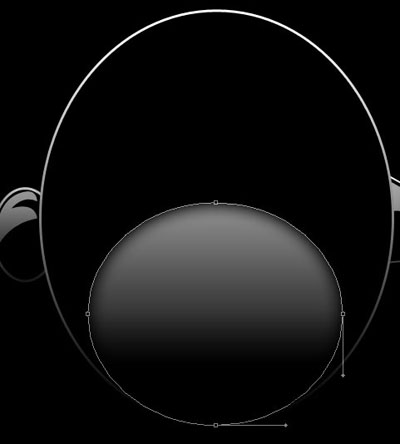
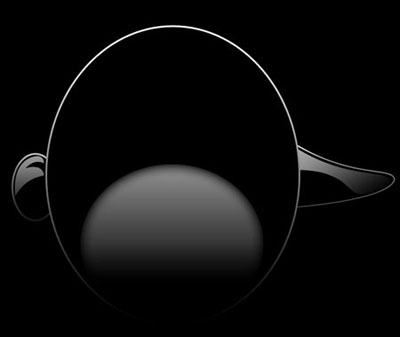
Fill 0% on the layers.
Blending Options-Inner Glow
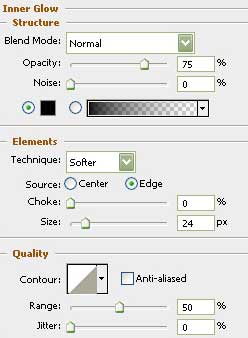
Blending Options-Gradient Overlay