


Open a new document by pressing (Ctrl+N).
Set the Width to 400 pixels and the Height to 300 pixels.
Also, set the Resolution to 150 pixels/inch, and then click on OK.
Select the Brush Tool, and choose Hard Round 3 Pixels brush, then draw some lines
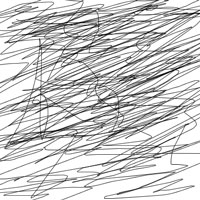
Now go to Filter > Artistic > Cutout and enter the following values:
Number of Levels - 7
Edge simplicity - 2
Edge Fidelity - 2
Press Ok to close the Cutout window
Now let's save this image as a .psd file. We will use it as a displacement map.
Now open a new document.
Select the Text Tool and write a word on your canvas. Please choose a big font.
Now choose Filter > Distort > Displace from the menu bar. Click on OK to rasterize the type
In the Displace window use the following settings: (you can play yourself with the value to see how it works)
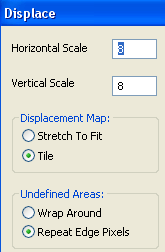
After you click on Ok a new window will open. Select the .psd file we have already done a few steps ago and then click on open.
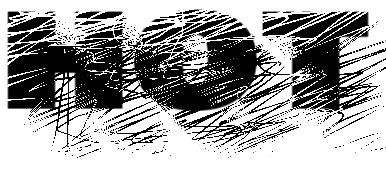
Now we are ready. This is my result
Thank you
