So let's start by creating a new document. 400x400 px and a white background
Then create a new layer ( Press Ctrl+Shift+Alt+N )
Then with the Type Tool write a simple word. I will use the word " TALK "
I will use the font : Arial Black , size 68 ( this is not important )
After i have wrote the word TALK i will convert the text to shape.
Go to Layer > Type > Convert to Shape
Then select: Path Selection Tool and make a selection like in the next image:
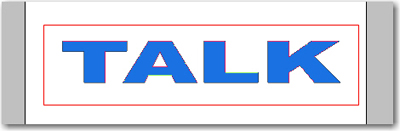
After you will release the mouse you will see that you have a few points:
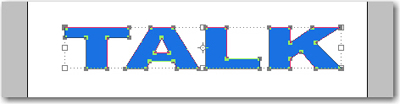
Now hold down the Ctrl key and with your mouse start to move the points as you wish.
After i have moved the point this is my result:

Now we will add a layer style:
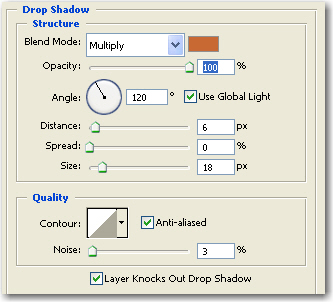
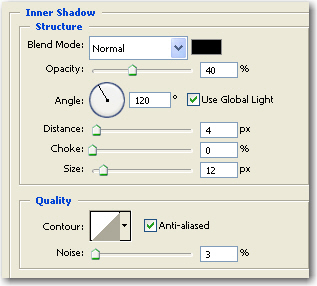
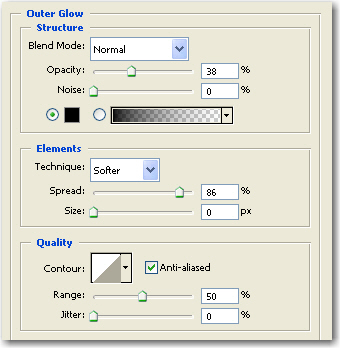
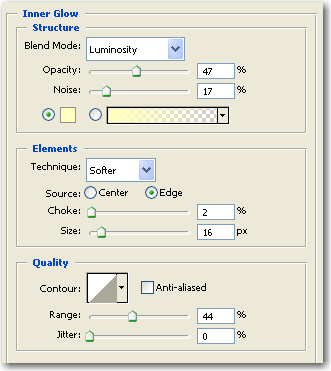
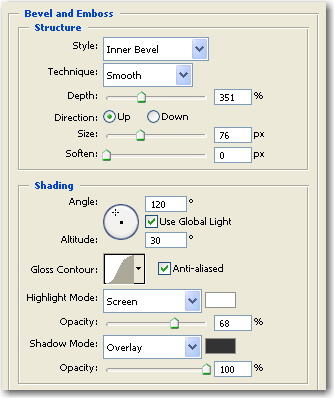
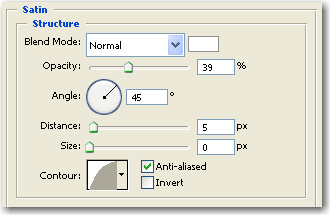
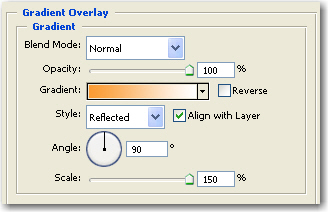
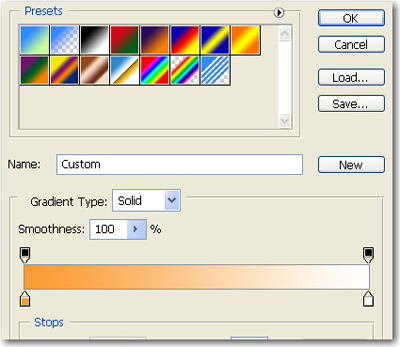
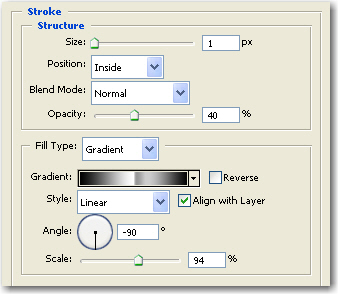
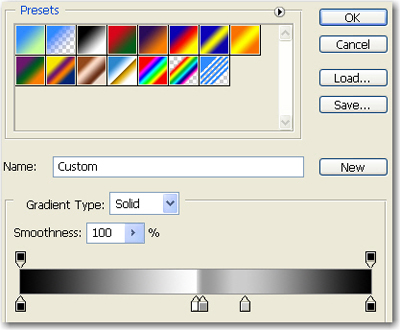
After i have closed the layer proprieties this is my final image.