


Today i will show you how to create a nice effect perfect for wallpapers or for photo portfolio websites.
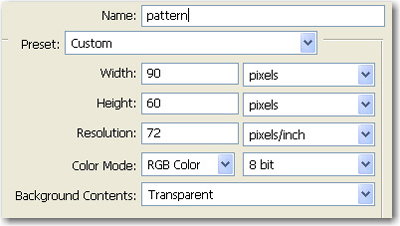
Open a new document ( please use the same values )
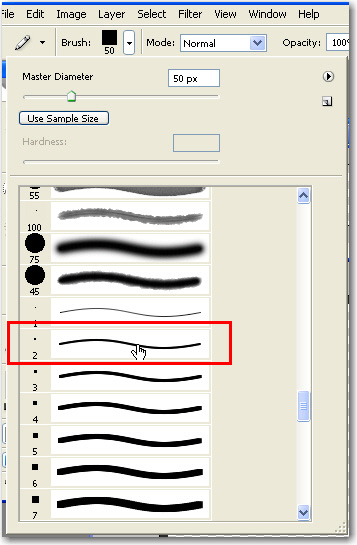
Select the Pencil Tool. Change your brush to : Hard Square 2 Pixels brush
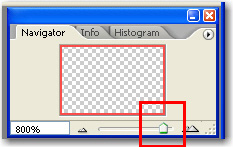
Zoom your transparent document to 800 %
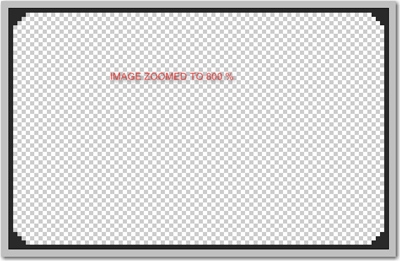
Then with your pencil tool start draw something like me:
Then go to Edit > Define Pattern..
Choose a name for your pattern and press OK
Now open a new image ( i have used a vista wallpaper )

Create a new layer ( press Ctrl+Shift+Alt+N )
Select Paint Bucket Tool and select the pattern
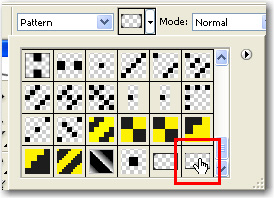
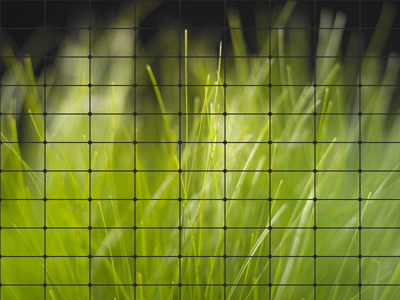
Then press one time on your wallpaper. You will notice that your wallpaper will be divided into many rectangles
Select your Pencil Tool one more time and with the same color of your pattern try to delete some of your image rectangles
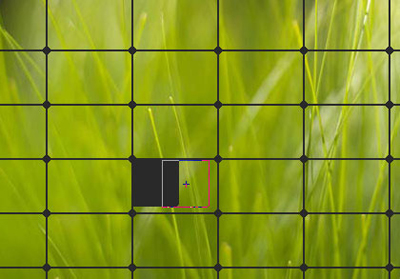
This is my result
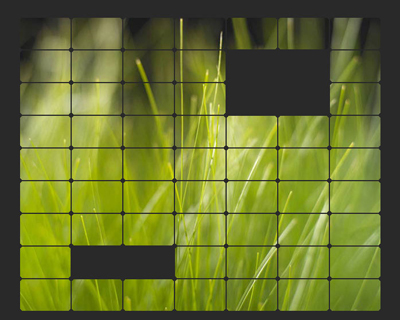
Then you can add more details. Select Magic Wand Tool and press one time one the black part ( see next image )
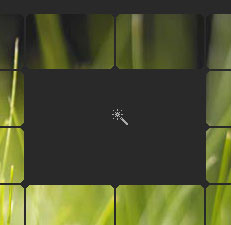
This is the result
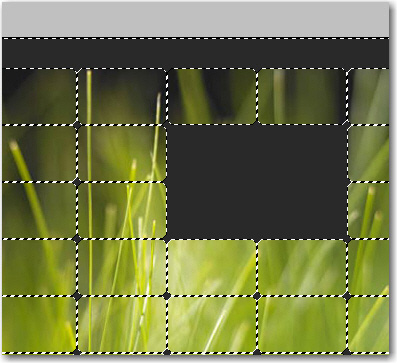
Then go to Select > Modify > Expand ( expand by 3 pixels )
This is the result
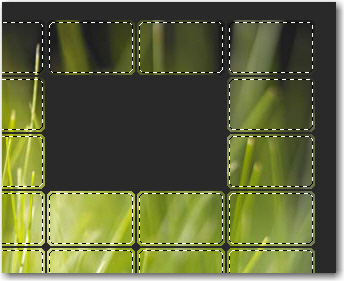
Create a new layer ( press Ctrl+Shift+Alt+N )
Then go to Edit > Stroke and use the following settings
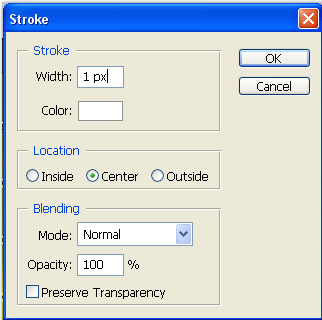
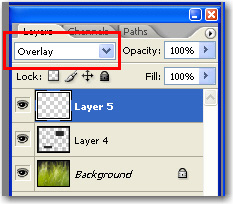
Now press on Ctrl+D to deselect and change the Blending mode to Overlay
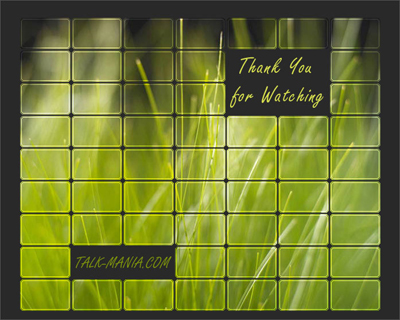
Then you can add alone some text and you are ready. This is my final result
I hope you like this tutorial.
