Open a new document in photoshop
Size 500 x 500 pixels ( or you can use your own settings )
Background color : Black
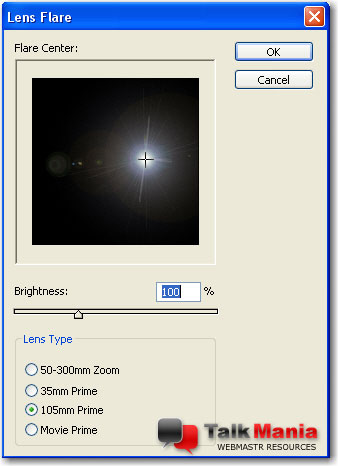
Then go to Filter > Render > Lens Flare and use the following settings
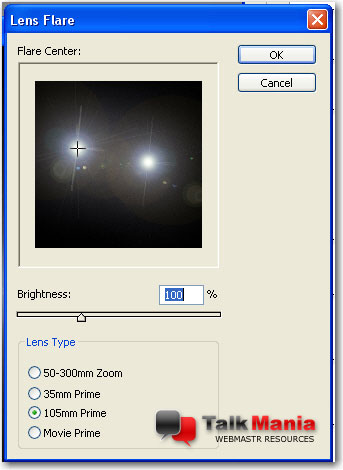
Then go one more time to Filter > Render > Lens Flare and use the following settings
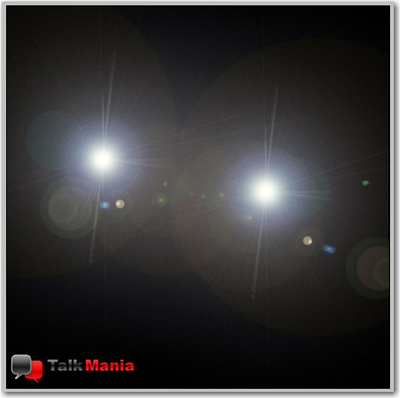
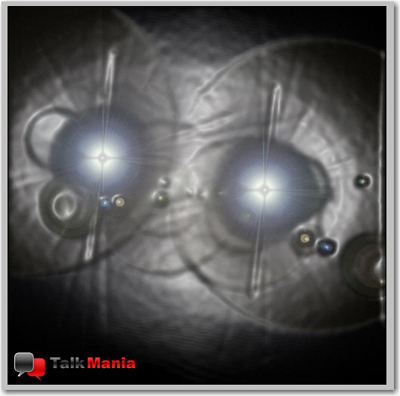
This is my result
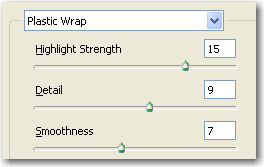
Now go to Filter > Artistic > Plastic Wrap and use the following settings
This is my result
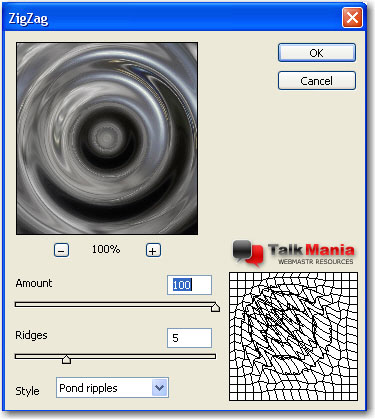
Go to Filter > Distort > ZigZag and use the following settings:
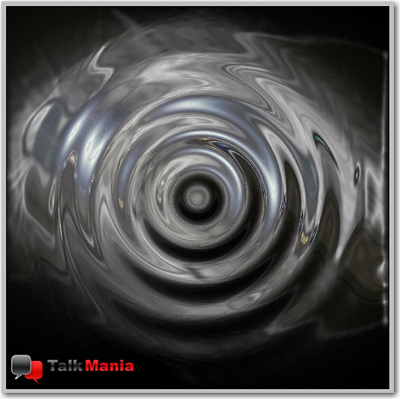
This is my result
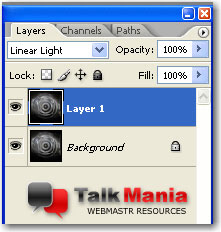
Now you have to duplicate the layer ( press Ctrl+J )
Then you have to change the blending mode to Linear Light
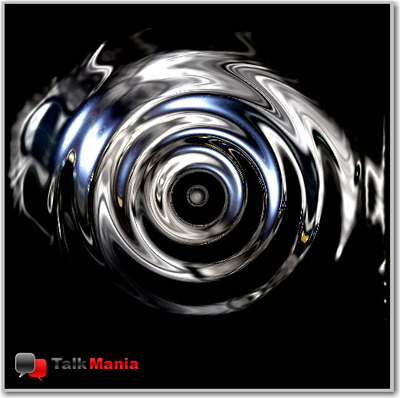
This is my final result
I hope you like this tutorial, I will wait you tomorrow for another photoshop tutorial
