

Let's start with a new document with a black background (size 600 x 600 pixels)
Then press D on your keyboard to reset your colors,
And then X to swap them.
Select your brush tool
Use the following settings:

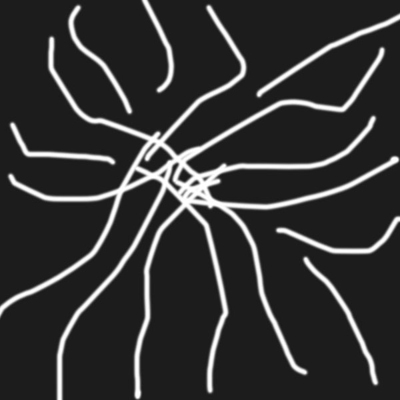
And start creating some random lines like in the following image:
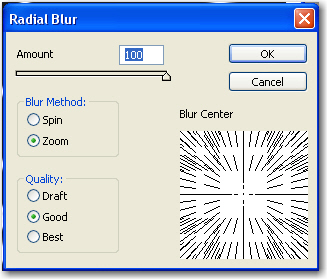
Go to Filter > blur > Radial blur and use the following settings:
After that go to Filter > stylize > Find edges
One more time go to Filter > Blur > Radial Blur und use the same settings as above
Next press on CTRL+I ( this will invert your colors )
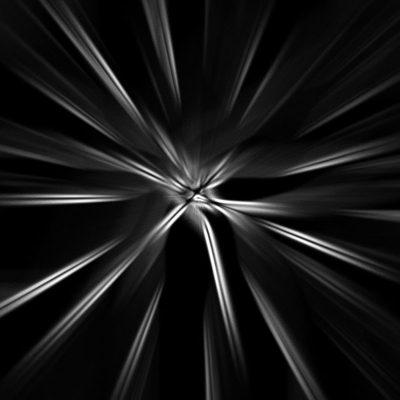
This is my result:
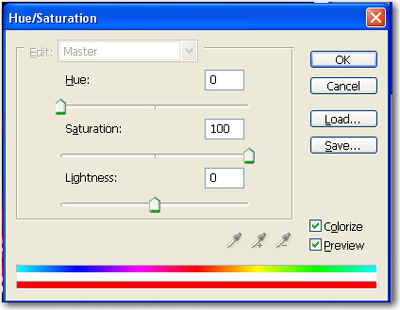
After that press on CTRL+U ( This will open Hue / Saturation window )
Use the following settings:
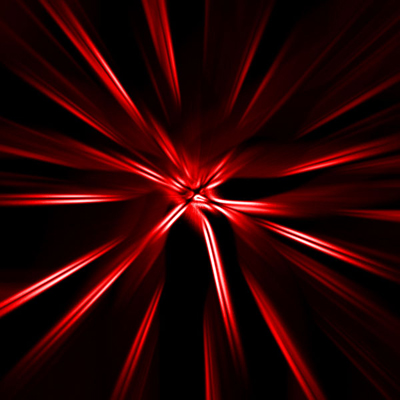
And we are ready. this is my result.
This is a very simple tutorial and very useful sometimes.
