


I will show you how to create a nice digital bonsai. This idea is perfect if you want to promote your business
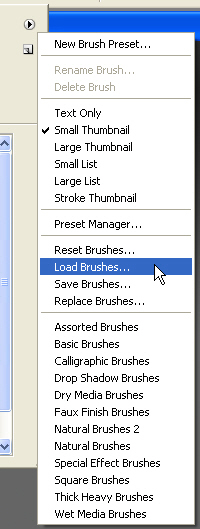
Load this brushes in photoshop
Then Set The foreground color to White
Create a new layer ( press Ctrl+Shift+Alt+N )
Select Brush Tool, and select one bonsai brush
Press One time on your canvas
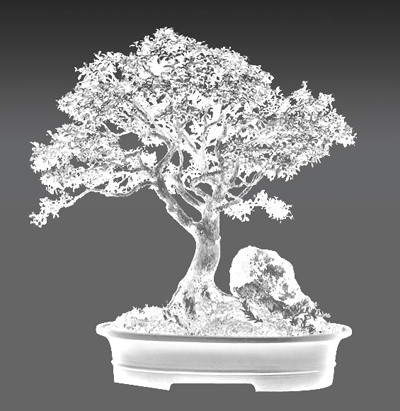
This is my result
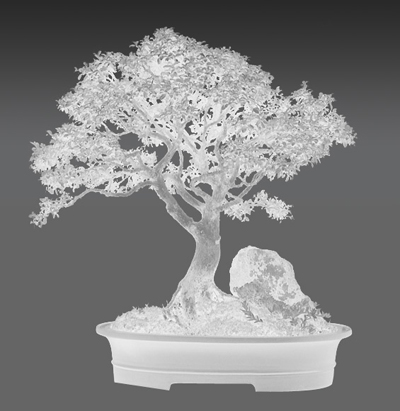
Go to Filter > Sharpen > Smart Sharpen
Use the following settings
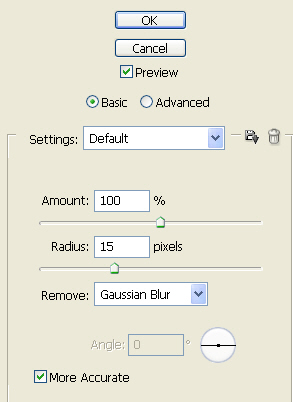
This is my result
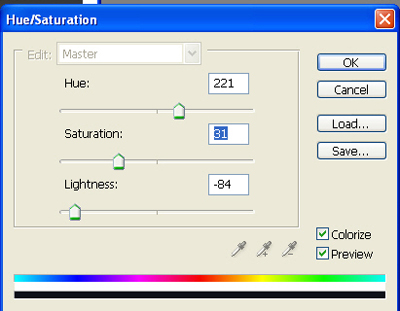
Go to Image > Adjustments > Hue / Saturation
And use the following settings
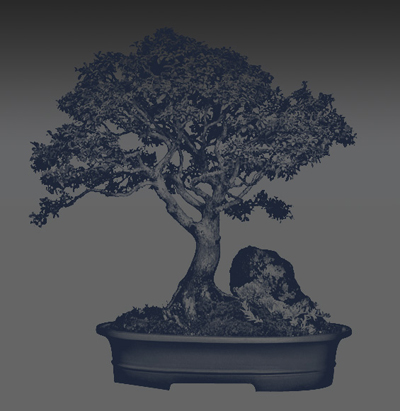
This is my result
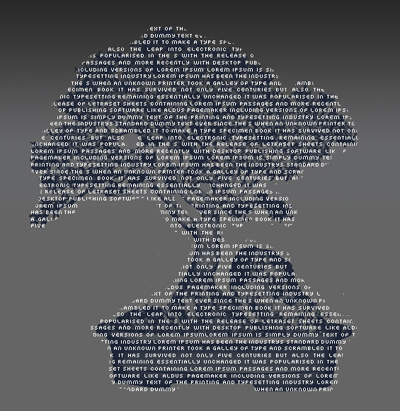
Select Type Tool ( use a small font ) and write some text like
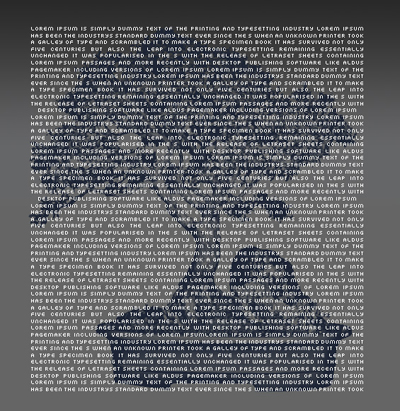
Now rasterize the type ( Layer > Rasterize > Type )
Select Eraser Tool and with a small square brush try to delete some text
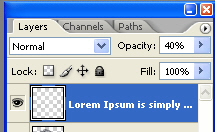
Change the opacity value to 25 %
Then with Type Tool Add another text ( be sure you type this in Bold or with 100 % opacity )
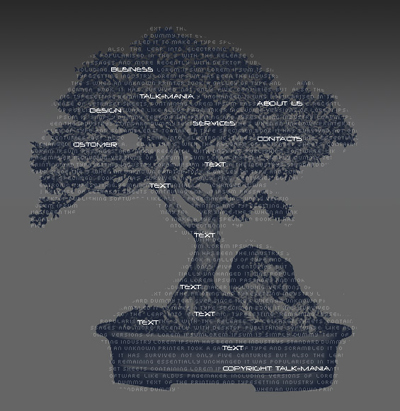
Now select one more time Eraser Tool , and delete the text behind the text
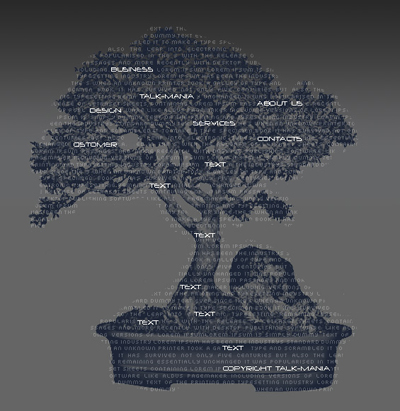
This is my final result
This effect is very useful if you create a flash page or if you want to promote your business in another way
