

Open a new document in photoshop.
Size: 600 x 600 pixels
Background color : black
Go to Filter > Render > Lens Flare and use this settings:
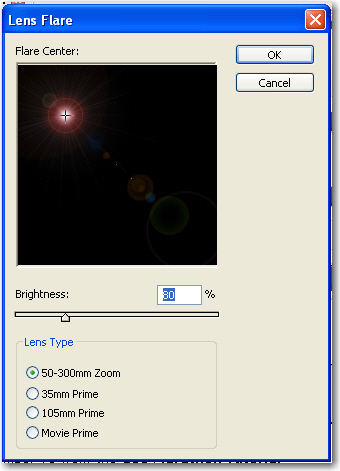
Then repeat this process another 3 times
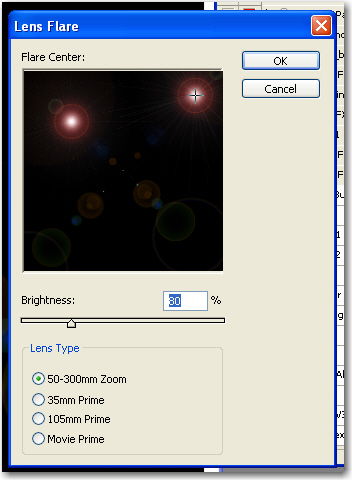
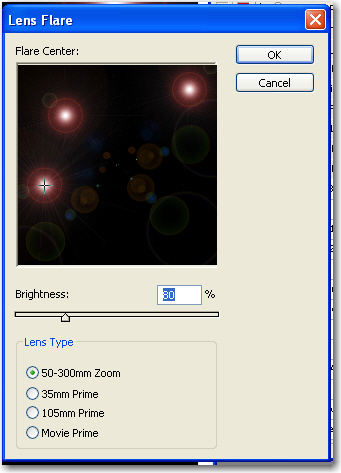
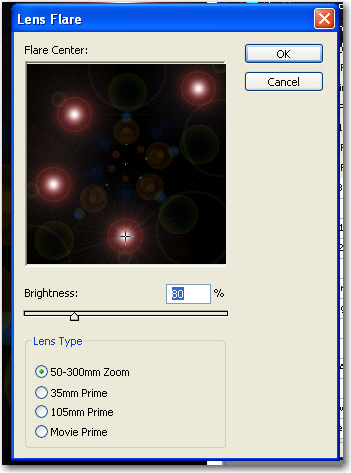
Your result will be like this after you apply the Lens flare filter 4 times

Now go to Filter > Artistic > Plastic Wrap and use the following settings:
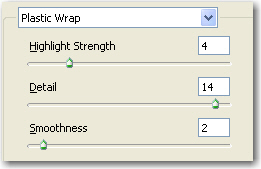
After you press Ok on the Plastic Wrap window you will have something like this

Then go to Image > Adjustments > Desaturate

Then press on Ctrl+B or go to Image > Adjustments > Color Balance
And use the following settings
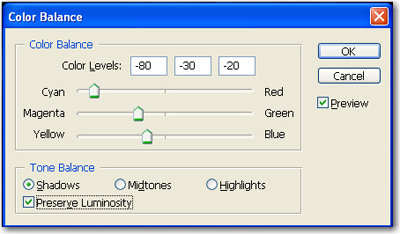
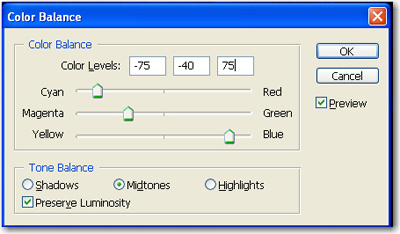
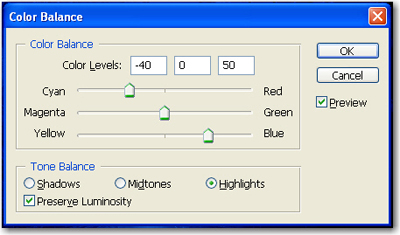
This is my final result

I am sure you will use this tutorial. It is very easy and can be very useful if you use it on your header of your website.
