Step 1
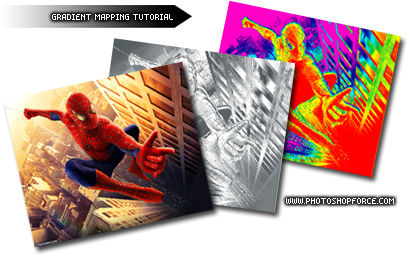
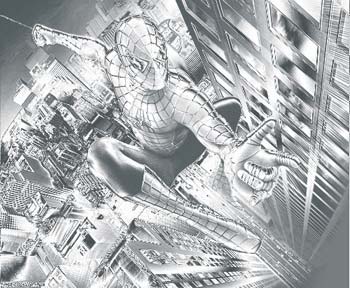
Open any image in photoshop that you would like to experiment with. For this tutorial I will be using a popular photo of Spider Man.
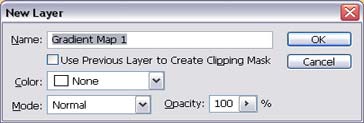
Go to "Layer->New Adjustment layer-> Gradient Map", and click okay:
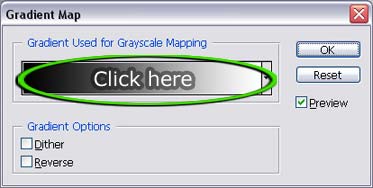
Click on the gradient:
Step 2
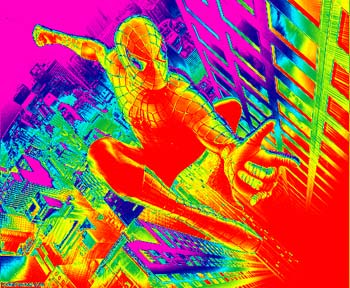
Scroll through and click some of the various gradients. Make sure that the "preview" button is checked so you can see how the end result will look:
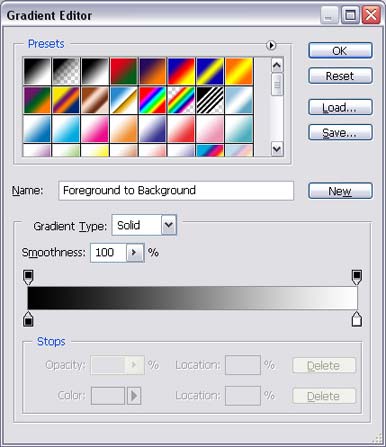
Once you find a gradient that you like, click "okay" to finalize the change.
These are a few i got from this picture

Step 3
Experiment with the different gradient selections and you will see that this utility is quick and easy to use, but the end result looks great. If you look around on the internet and in print ads this type of technique is applied all over the place.