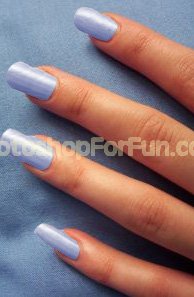
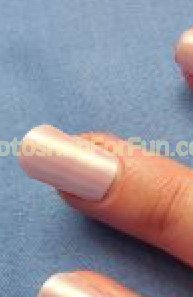
Start by opening an image of hand with short nails.
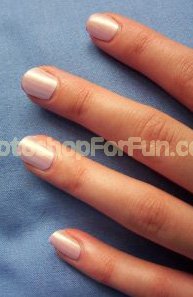
Create selection of the nail using polygon lasso tool. Press Ctrl+J to copy paste the selection in a new layer.
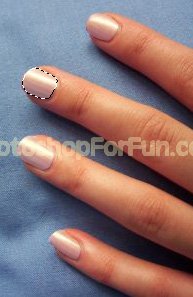
Duplicate the layer. Move this layer a few pixels upwards and left.
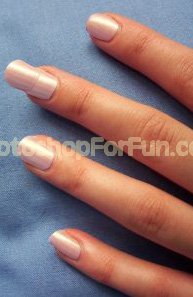
Select eraser tool with soft brush settings and remove the right edge. Select and merge both the layers.
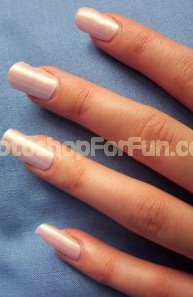
Similarly create increase other nail's size.
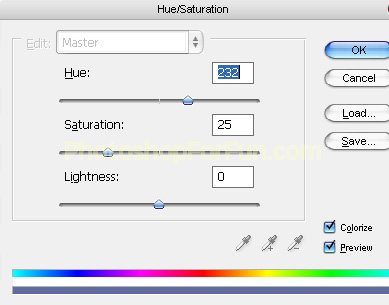
Press Ctrl+U to open hue/saturation window. Apply settings as shown.
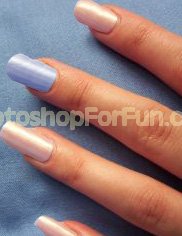
Apply same technique to other nails.