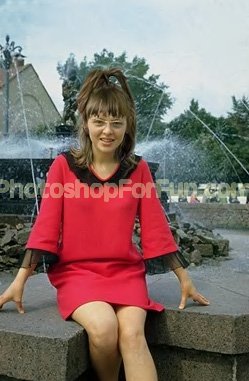
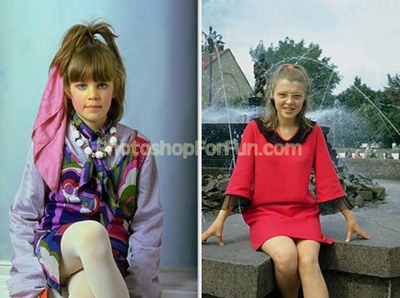
Start by opening two images of girls with different hair styles.
Create selection of the face including hair using rectangular marquee tool.
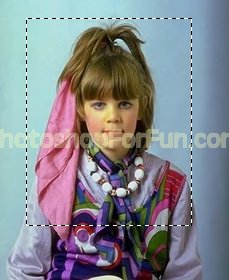
Copy the selection and paste into second image file.
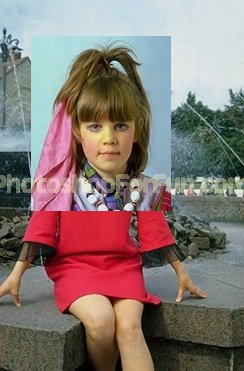
Scale down to face size of main image.
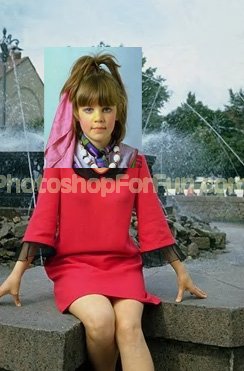
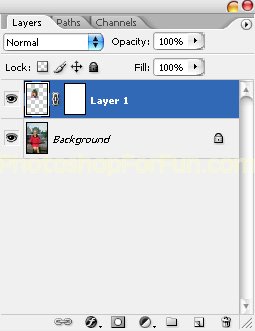
Click add layer mask button from the bottom of the layer palette.
Select brush tool with black as foreground color. Apply the brush on face and surroundings to mask out unnecessary portion.
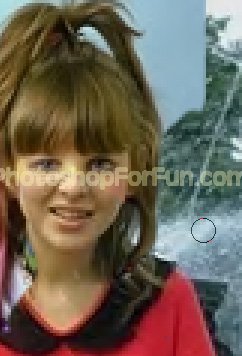
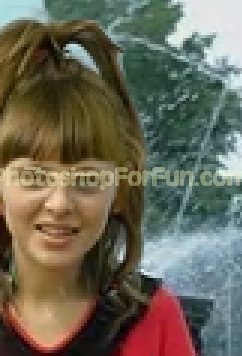
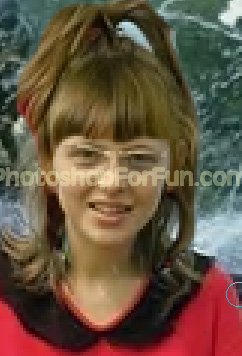
Select 1 pixel brush and apply on hair falling on the forehead.
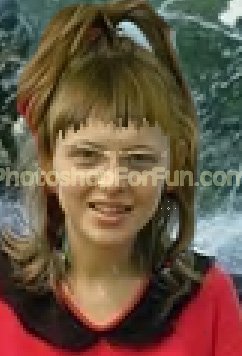
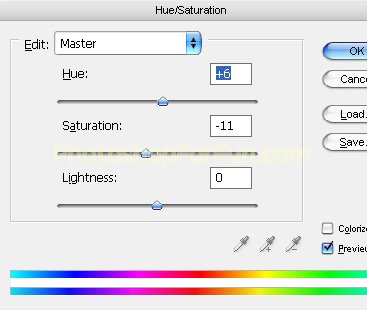
Press Ctrl+U to open hue/saturation window. Apply settings according to hair color you are looking for.