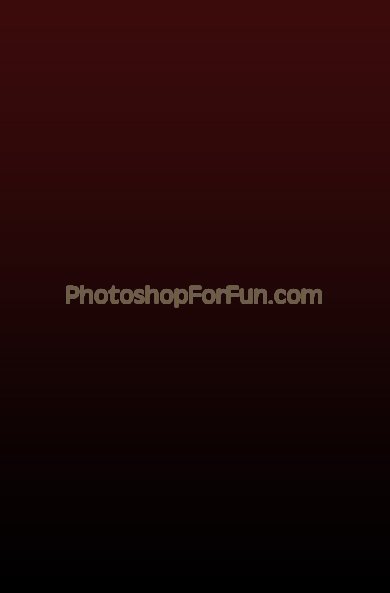
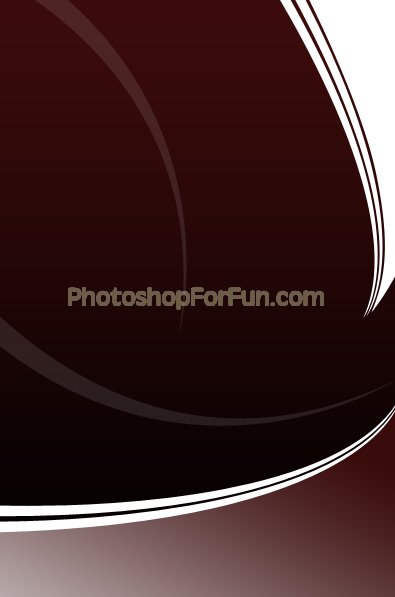
Start by applying a "dark red to black" gradient in linear mode.
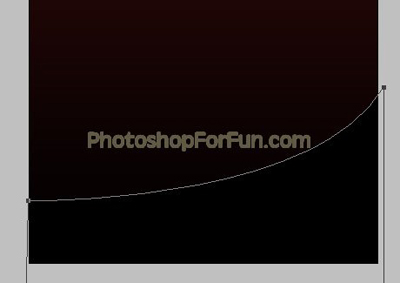
Create a shape as shown using pen tool.
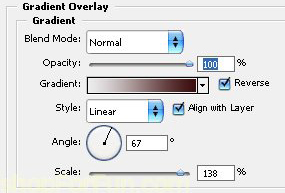
Double click the layer to open layer style window. Apply settings as shown.
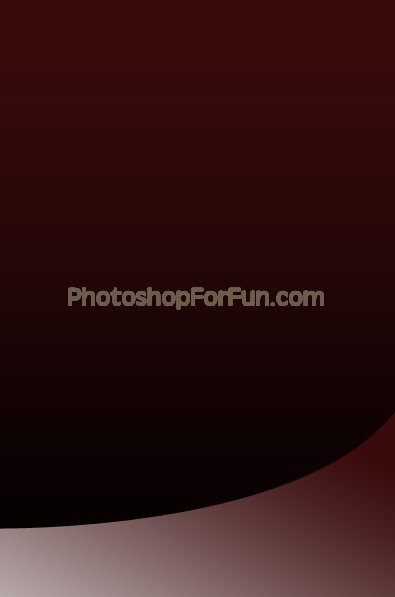
Create a tentacle shape as shown using pen tool. Fill it with white color.
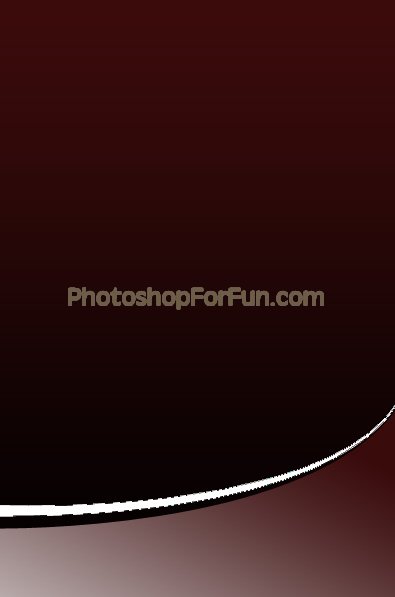
Duplicate the layer and move it a few pixels downwards.
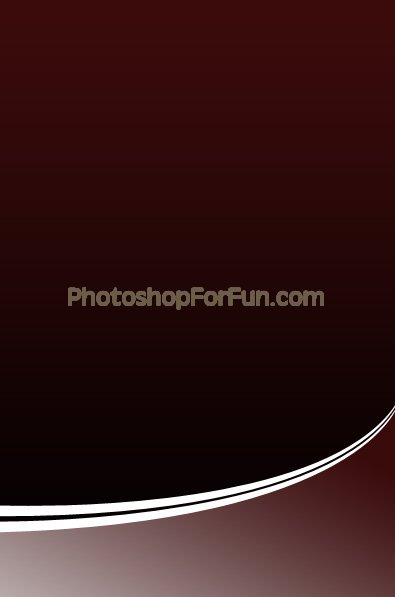
Similarly create more tentacle shapes. Fill it with different colors to create an interesting design.
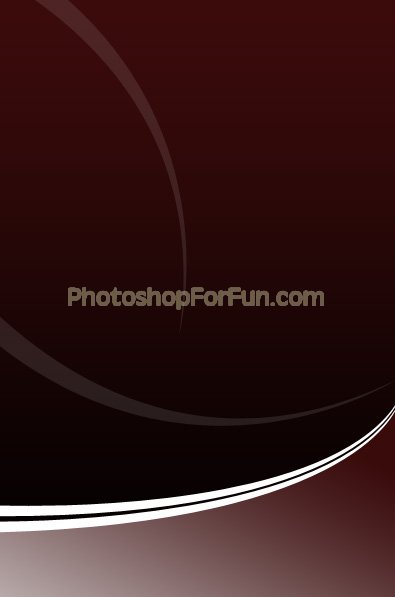
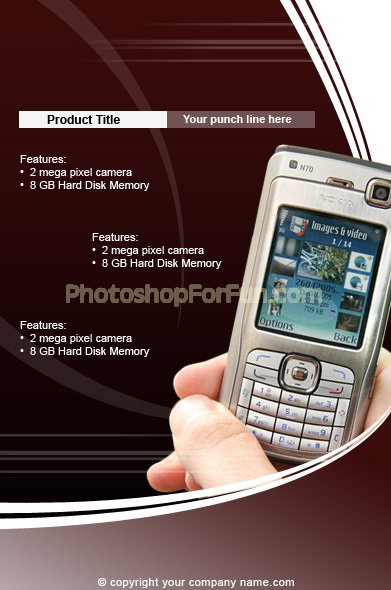
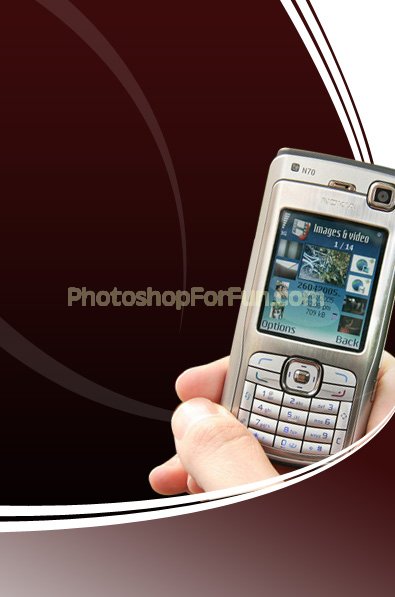
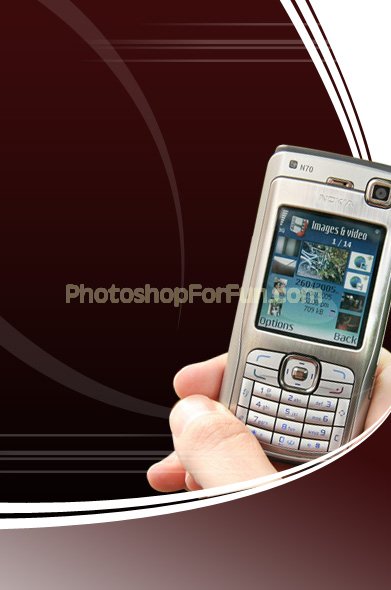
Insert product image cutout. Move this layer below all the layers in layer order in layer palette.
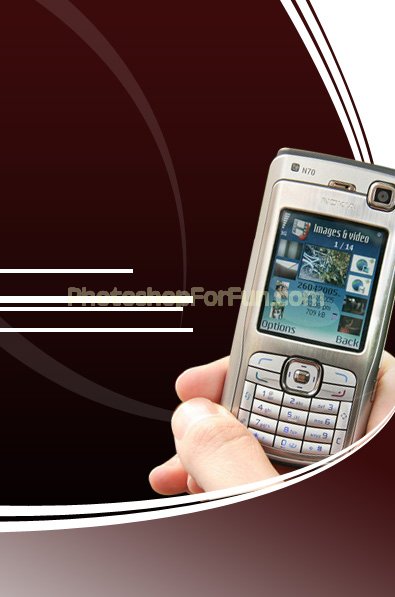
Create some rectangular strips using rectangular shape tool.
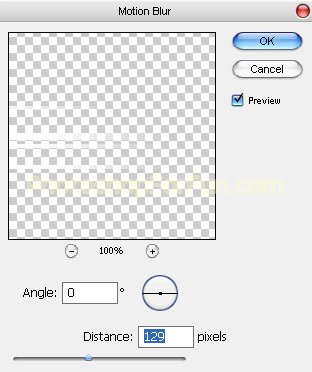
Select and merge all these layers. From "Filter" menu select "Blur>>Motion Blur ". Apply settings as shown.
Reduce the opacity. Duplicate the layer and place it the other side too.
Create two rectangles with different colors. Type product details there.
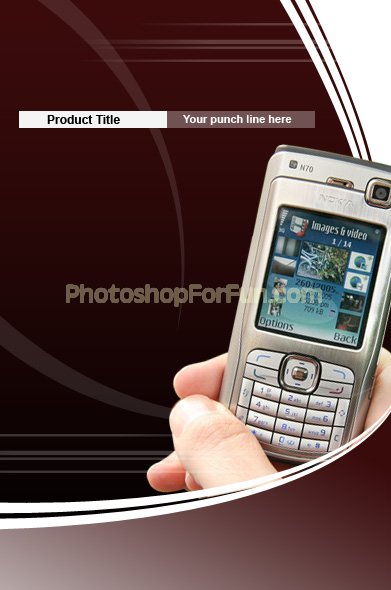
Type other details as shown in the image below.