In this tutorial I will teach you how to Create Mountains in Photoshop.
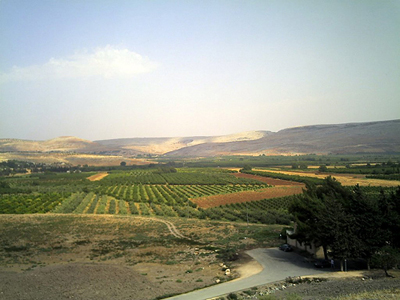
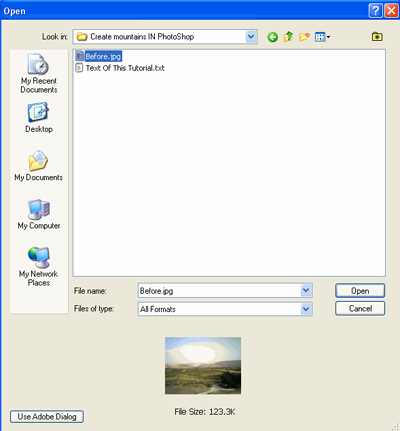
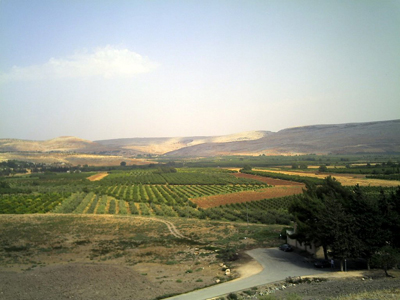
1: Start out by opening the picture you want to add the effect to it
Click to enlarge
Click to enlarge
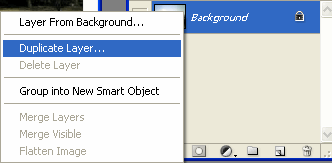
2: Now duplicate the Background Layer
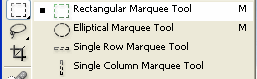
3: Use the Rectangular Marquee Tool and select the upper part
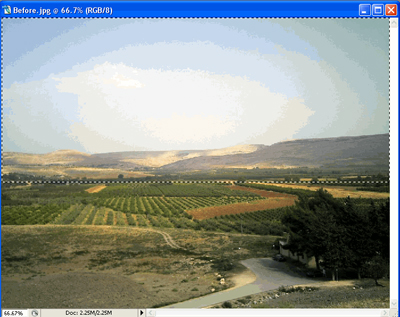
Click to enlarge
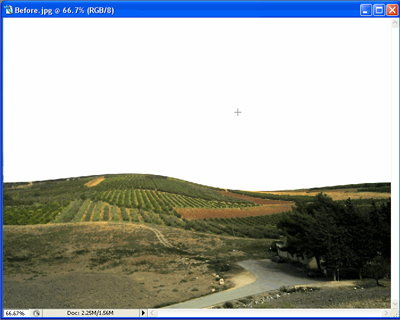
4: Hit Delete to remove the upper part
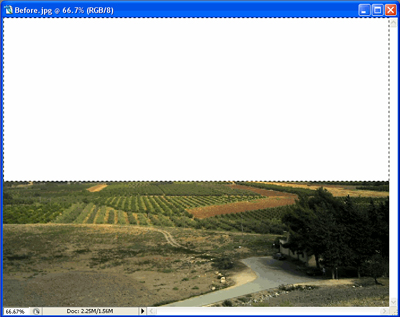
Click to enlarge
5: Now go to Select > Deselect
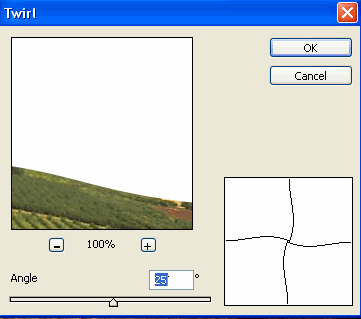
6: Now go to Filter > Distort > Twirl, use these settings:
7: Final Result:
Click to enlarge
