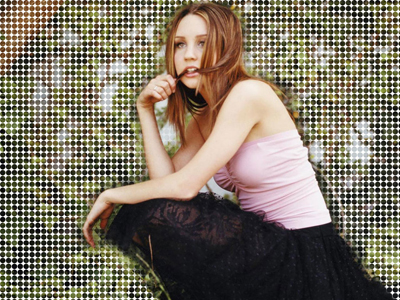
Sometimes you find an excellent wallpaper with the celebrity you want on it, but it's background doesn't really suit you. I'm going to teach you the simplest technique to liven up your wallpaper and add some original effects to it.
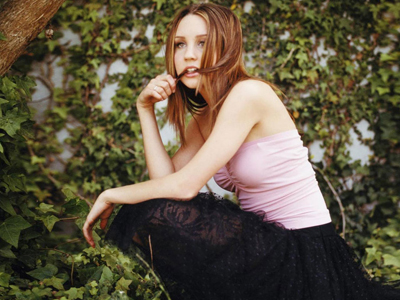
So choose your photo. I've chosen a picture of Amanda Bynes.
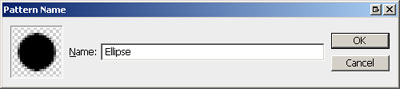
Create the a photoshop document with a 16x16 px size and a transparent background. Draw a black circle 14px in diameter using the Ellipse tool in the center of the canvas. Define it as the pattern.
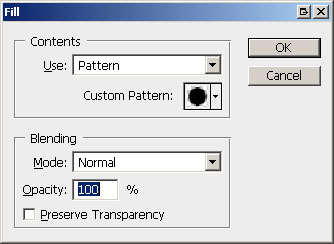
Now go back to the document with the photo and create a new layer. Send it to Back. Fill it with the pattern you've just created.
Now select the layer with the photo and add the Clipping mask.
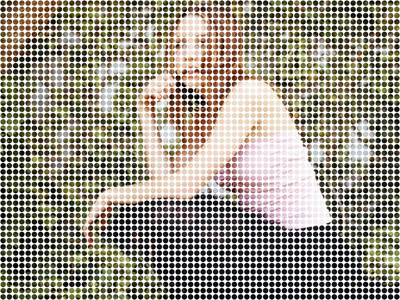
Now duplicate the layer with the photo. Don't worry about the result. Make selection of the girl using Extract tool, Lasso tool, or Quick mask tool.
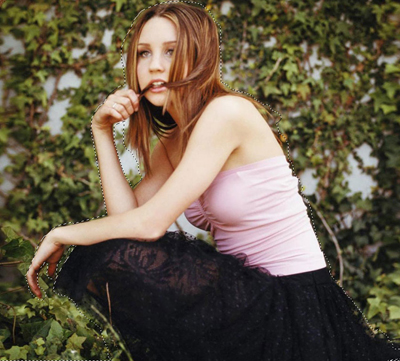
Next invert the selection, then contract selection with an 8px parameter and Feather with a 12px parameter. Click Del.
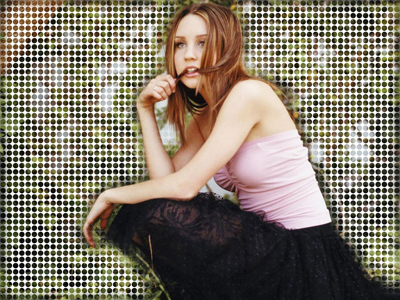
Remove the edges of the canvas (leave the area with the girl's skirt) and enjoy the result.