

Start by opening some images you want to convert into same color tone. We want to change color tone of images based on the color tone of car image.
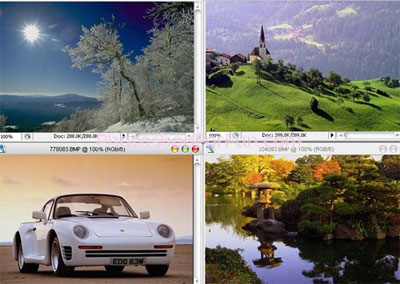
Click to enlarge
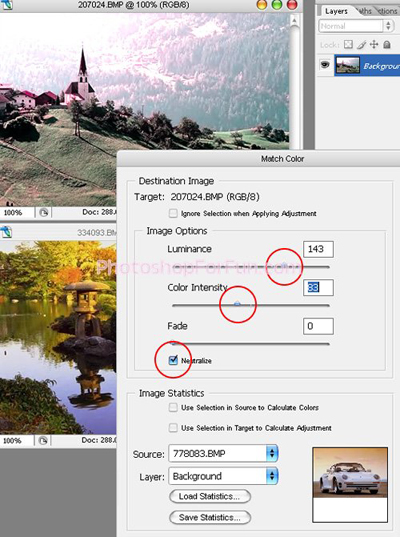
Select the image you want to change color tone. We've selected the first one. From image menu select Adjustment>>Match Color.
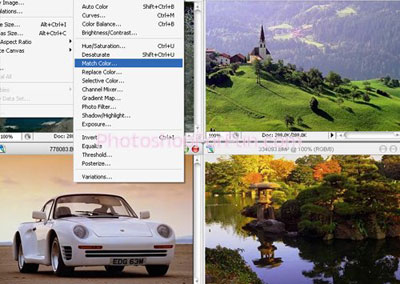
Click to enlarge
Select the source image in source menu. Select the target image in layer menu.
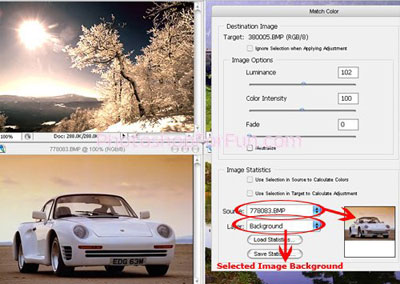
Click to enlarge
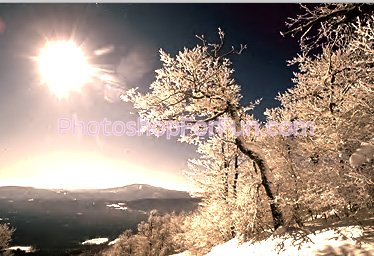
Similarly select the other images and define the source and target image files. You can adjust the luminance, fade and color intensity according to your requirement.
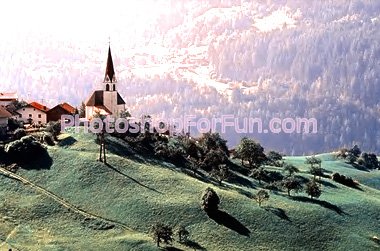
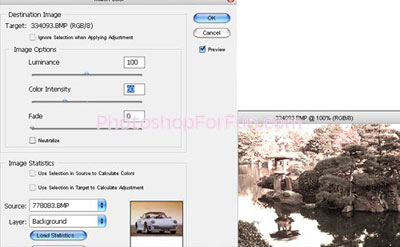
Click to enlarge
Below is the result of using match color. All images now belong to the same set of color tones.
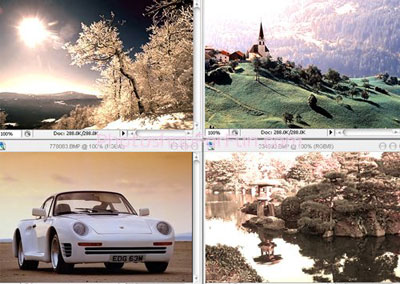
Click to enlarge
