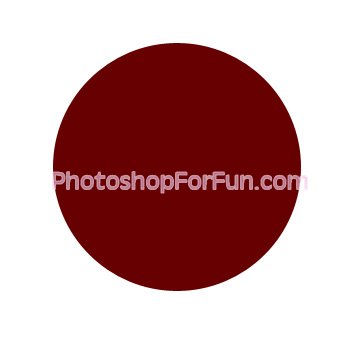
Create a circle using elliptical shape tool.
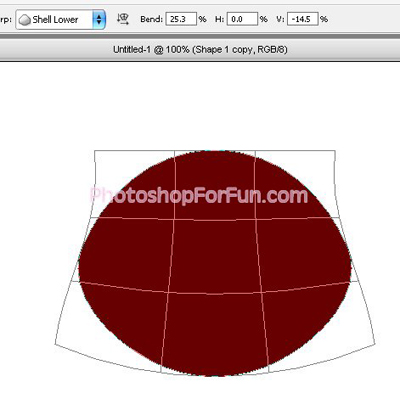
Press Ctrl+T. Right Click and select Warp. Select "Shell Lower" style from the preset warp shapes. Apply settings as shown.
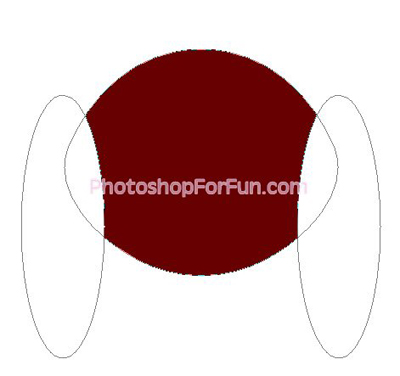
Enable "subtract from shape area" at the top bar. Create two ellipses using elliptical shape tool.
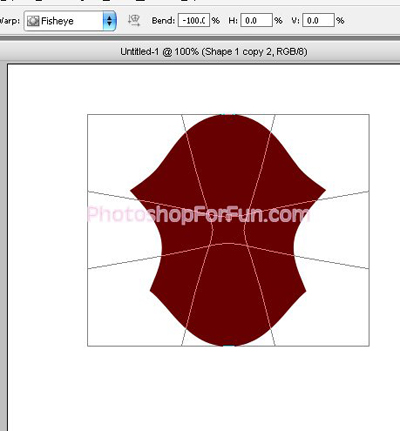
Press Ctrl+T. Right Click and select Warp. Select "Fisheye" style from the preset warp shapes. Apply settings as shown.
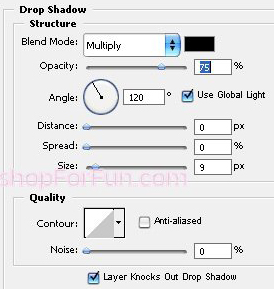
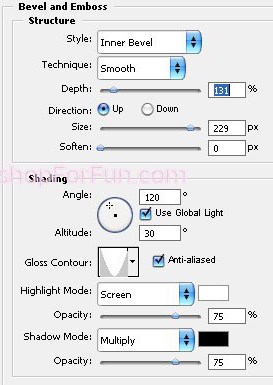
Double click the layer to open layer style window. Apply settings as shown.
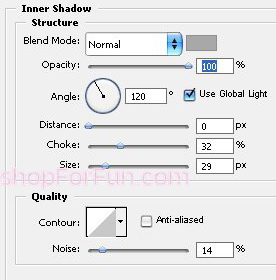
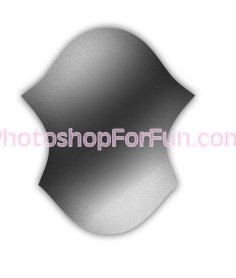
Duplicate the layer. Press Ctrl+T. Right click and select Flip Vertical and place as shown.
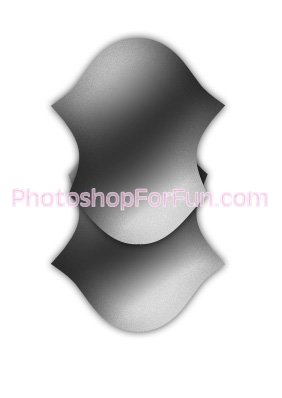
Create a shape as shown using pen tool. Apply same layer style. Move this layer below all the layers in layer order in layer palette.
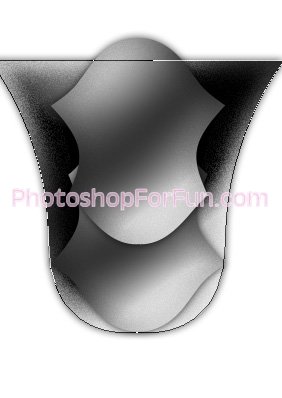
Duplicate the layer twice rotate and place as shown.
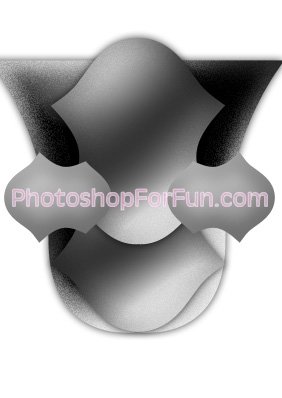
Create some hexagon shapes. Apply some inner shadow and place as shown.
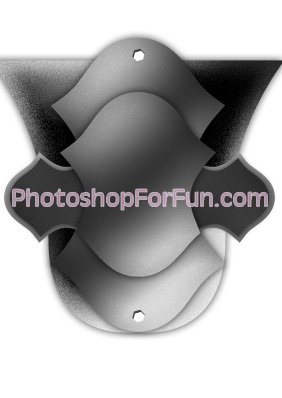
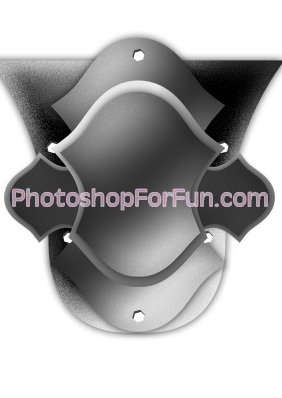
Create some circles and place as shown. Apply same layer style.
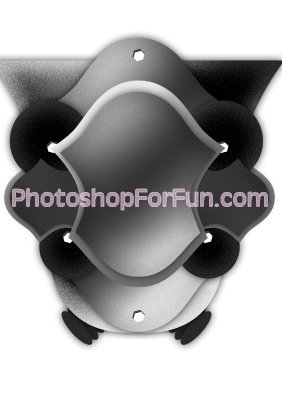
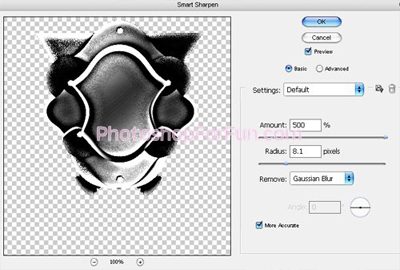
Select ad merge all the layers. Duplicate the layer. From "Filter" menu select "Noise>>Add Noise". Then apply filter>>blur>>smart sharpen. Apply settings as shown.
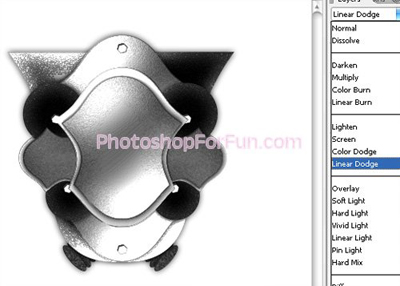
Change the layer mode to "Linear Dodge".
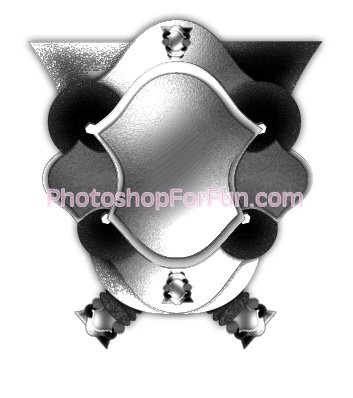
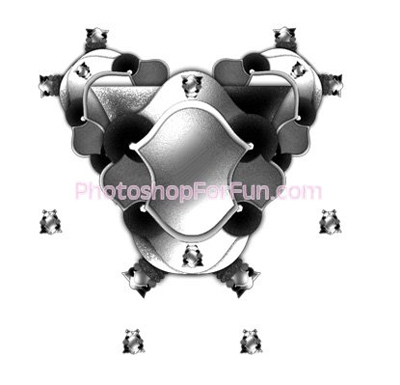
Select and merge all the layers. Duplicate the layer several times. Scale down and place as shown to create a complex shape.
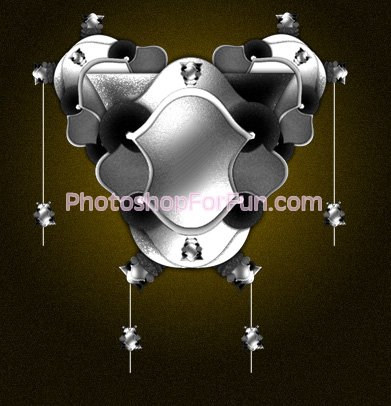
Create some lines. Fill it with white color. Apply a nice gradient in to the background.
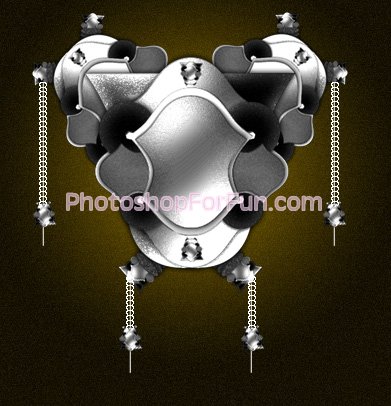
Type "CCC" several times to create a chain effect. Rotate the layer 90°. Duplicate and place over the lines.
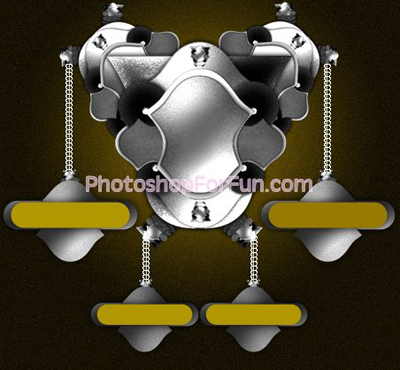
Create some rounded rectangle and duplicate above created shapes to create buttons. Apply previously applied layer styles.
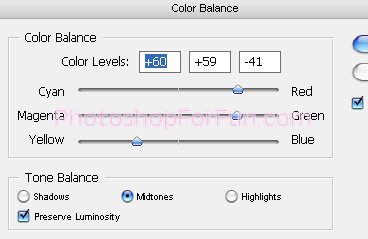
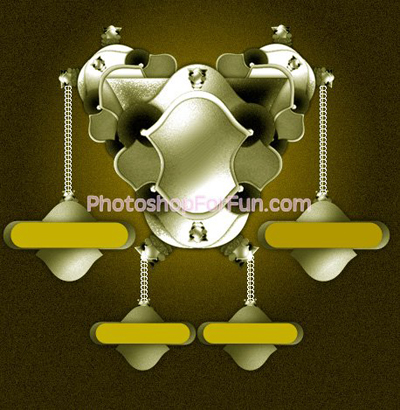
Select and merge all the layers. Press Ctrl+B to open color balance. Apply settings as shown.