Finding and Downloading Brushes
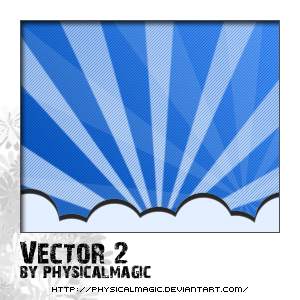
To start off let's find some nice brushes you think you'll be able to use in the future for designs. I picked a simple Vector Brush Package and downloaded it onto My Desktop. (click here to download)
After it finishes downloading head over to My Computer > Local Disk (C:) > Program Files > Adobe > Adobe Photoshop CS2 > Presets > Brushes. Now move that downloaded brush file into that Brush folder (cut and paste will work as well)
Opening New Brushes In Photoshop
If you have Photoshop open, make sure you close it, and open Photoshop back up for the brushes to update.
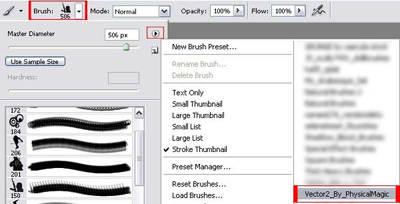
Now go to the Brush Tool > Brush > and look for Vector2_By_PhysicalMagic (Figure below)
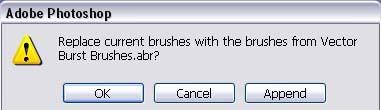
If you are prompted with something like this (see figure below) press 'OK'
Now you can open up a New Document and begin your design using your new Brush Set!
For more brushes you can head over to Deviantart.com and find some interesting ones.
