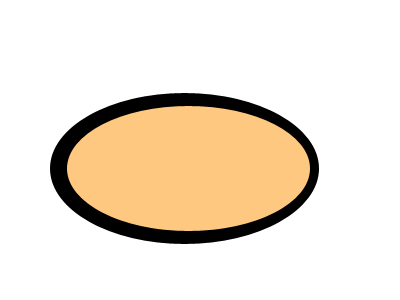
Start off by opening a document and creating a black oval. Then inside that create another oval but a skin color oval.
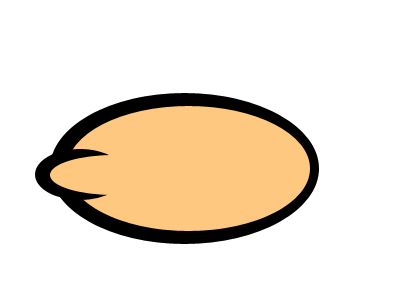
Now on the left side of his face draw a small black oval, with a skin color oval inside it:
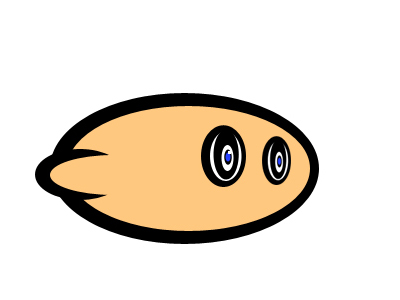
Now for his eye make numerous colored ovals inside each other and add a white square as a glint at the end, duplicate this for the other eye.
Now duplicate his ear and spin it around for his nose.
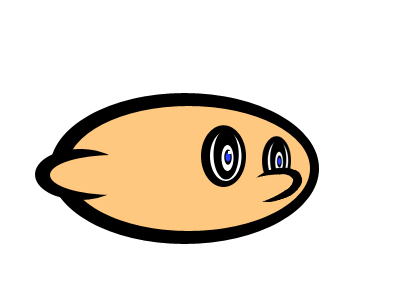
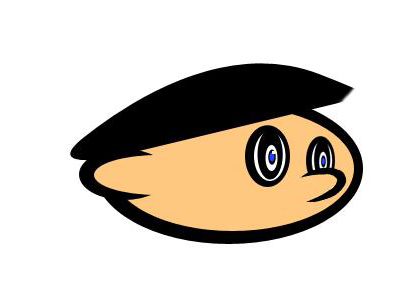
Now draw on his hair with the pen tool, and you have a nice cartoon stoner!